
Updates and how-tos
Blog
New features, step-by-step how-tos, integration guides, troubleshooting, and menu tips from Live Tap Lists.
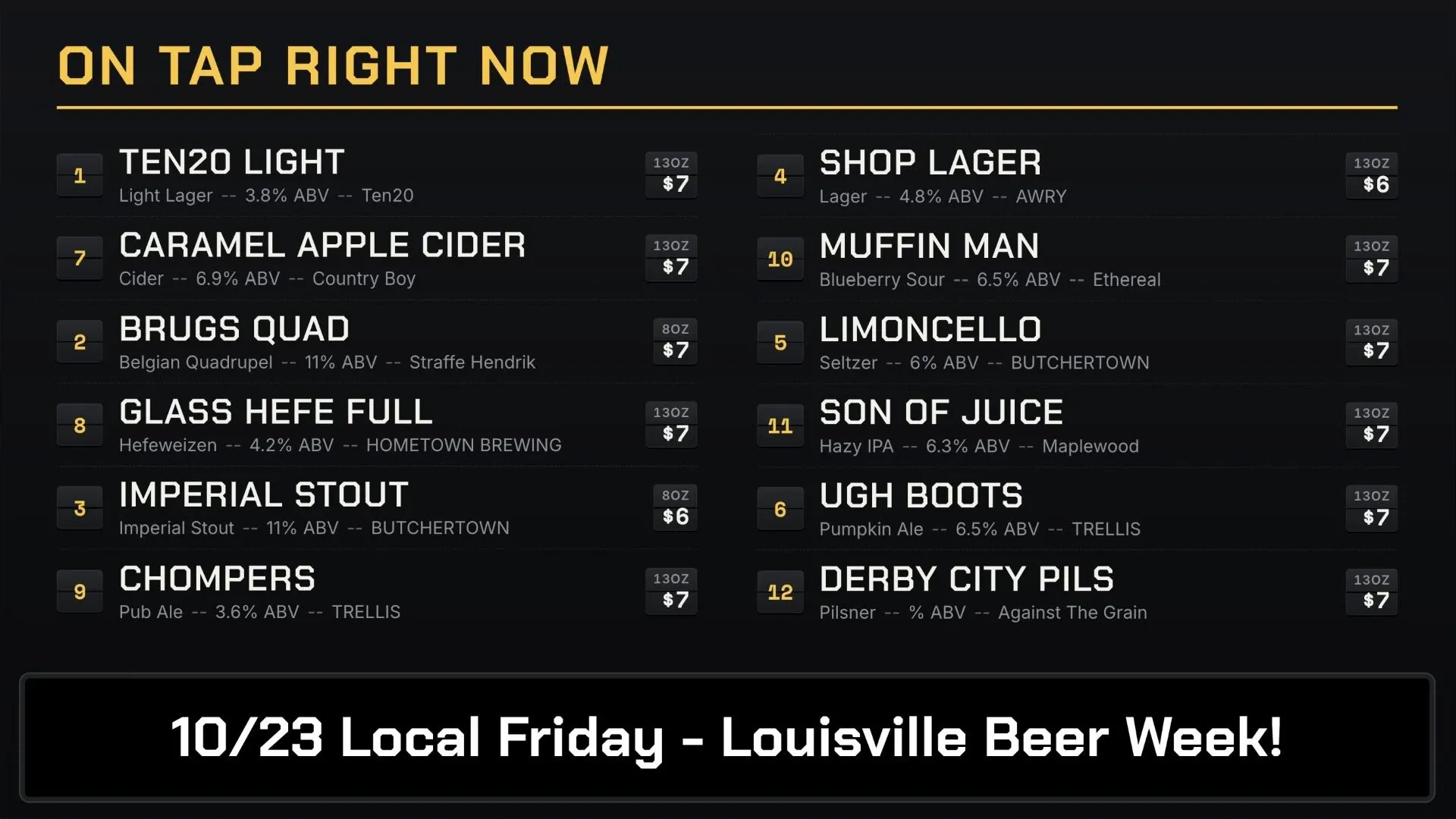
Introducing Board Themes: 13 Menu Board Designs That Fit Themselves
13 new menu board themes for horizontal and vertical TVs. Each sizes your text to fit, leaves room for promos and keeps every color readable.
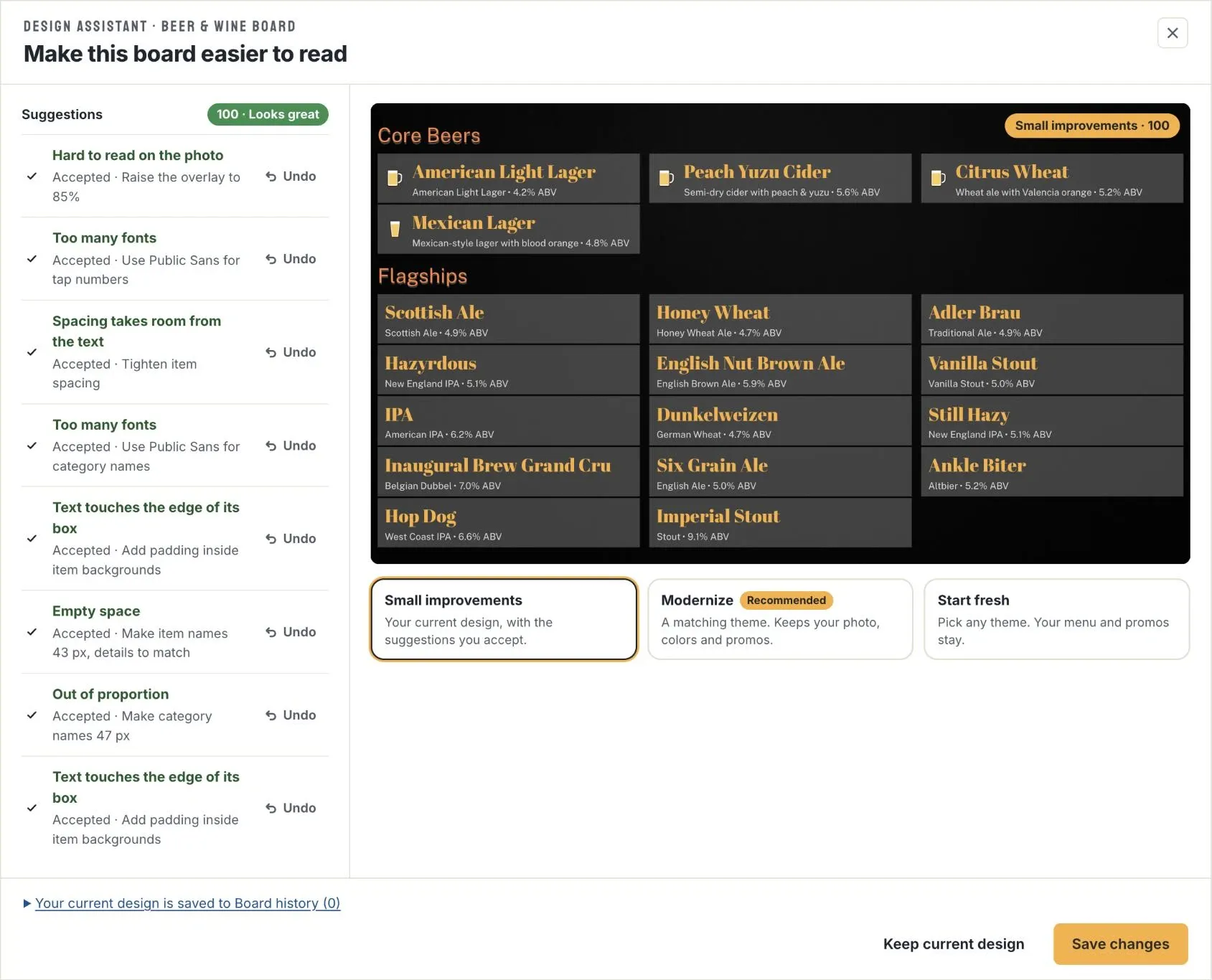
Introducing the Design Assistant: Make Any Menu Board Easier to Read
The Design Assistant scores every Live Tap Lists board for readability, shows what's holding it back, and fixes it in a click or modernizes it with a new theme.
 Blog
BlogHow to Create Toast API Credentials for Live Tap Lists
Step-by-step: check your Toast plan and permissions, create Standard API access credentials in Toast Web, and connect them to Live Tap Lists.
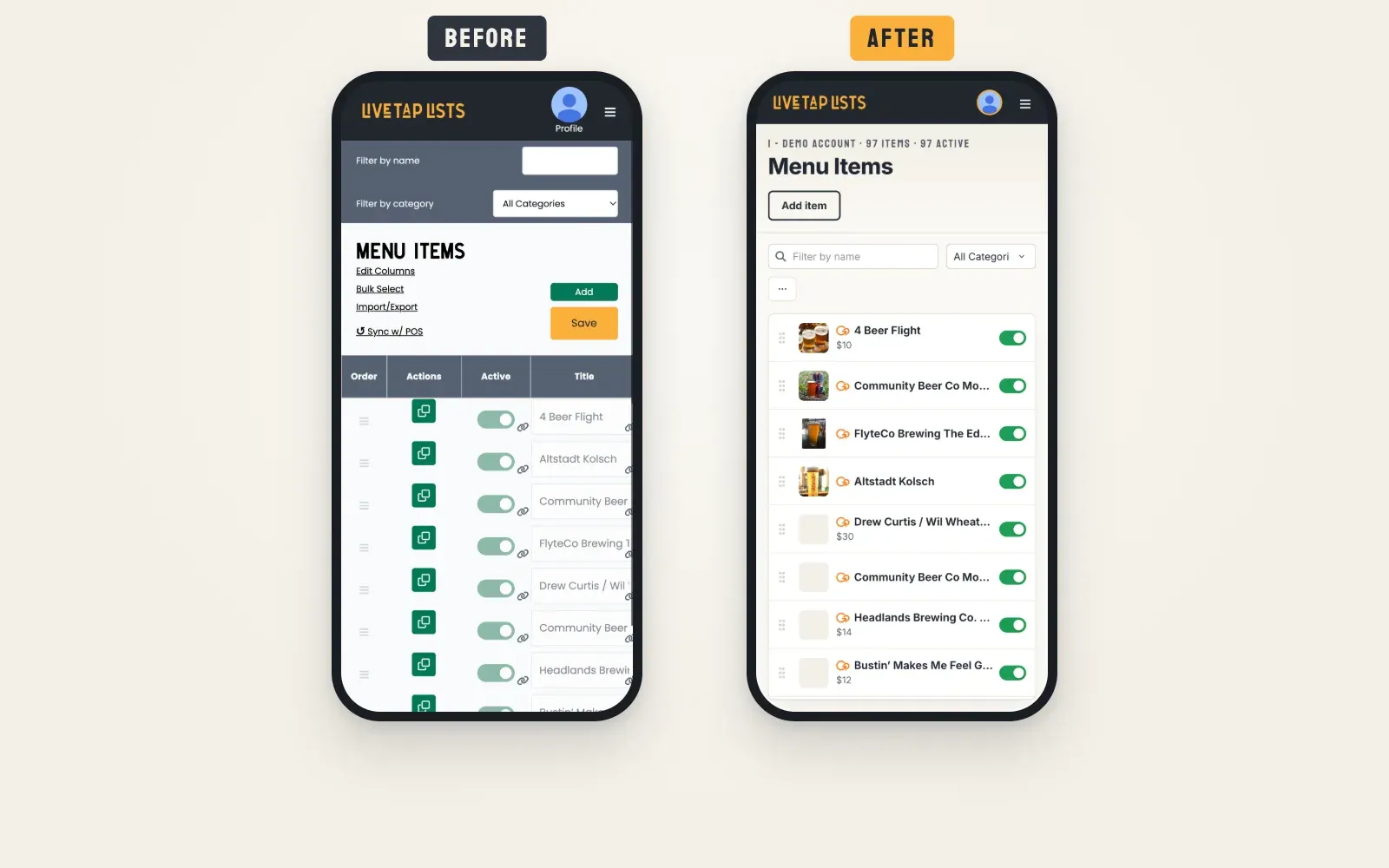
A Fresh New Look for Live Tap Lists: Better on Mobile, Simpler to Navigate
A redesigned dashboard and a new website, shaped by your feedback: Menu Items rebuilt for your phone, and every page simpler to find your way around.
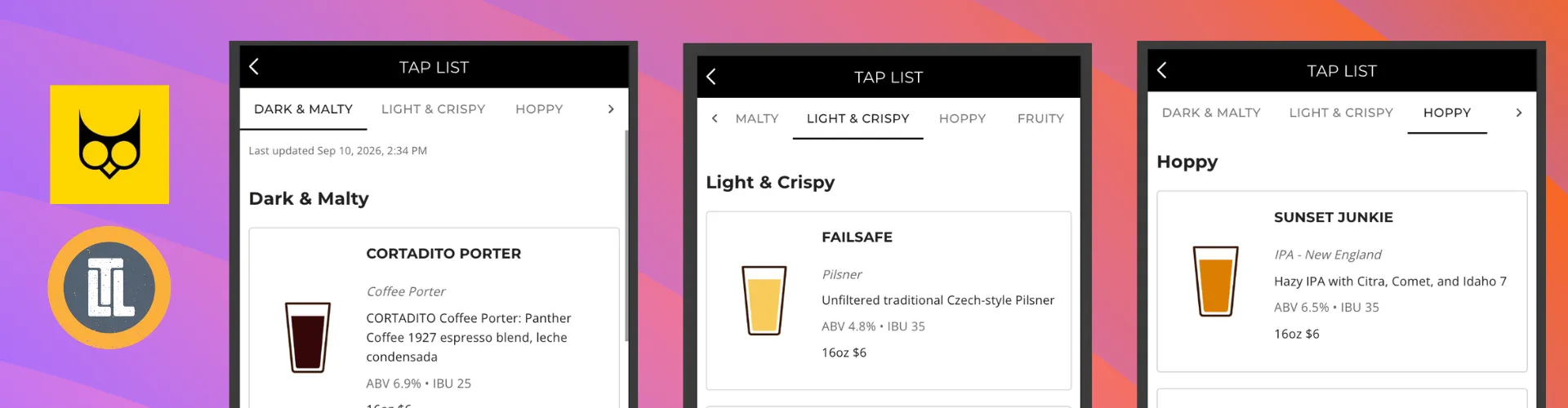
Bring Your Live Tap List Directly Into Your TapWyse Mobile App
Your customers are already using your TapWyse Mobile app. Now, your Live Tap List can be right there with them.
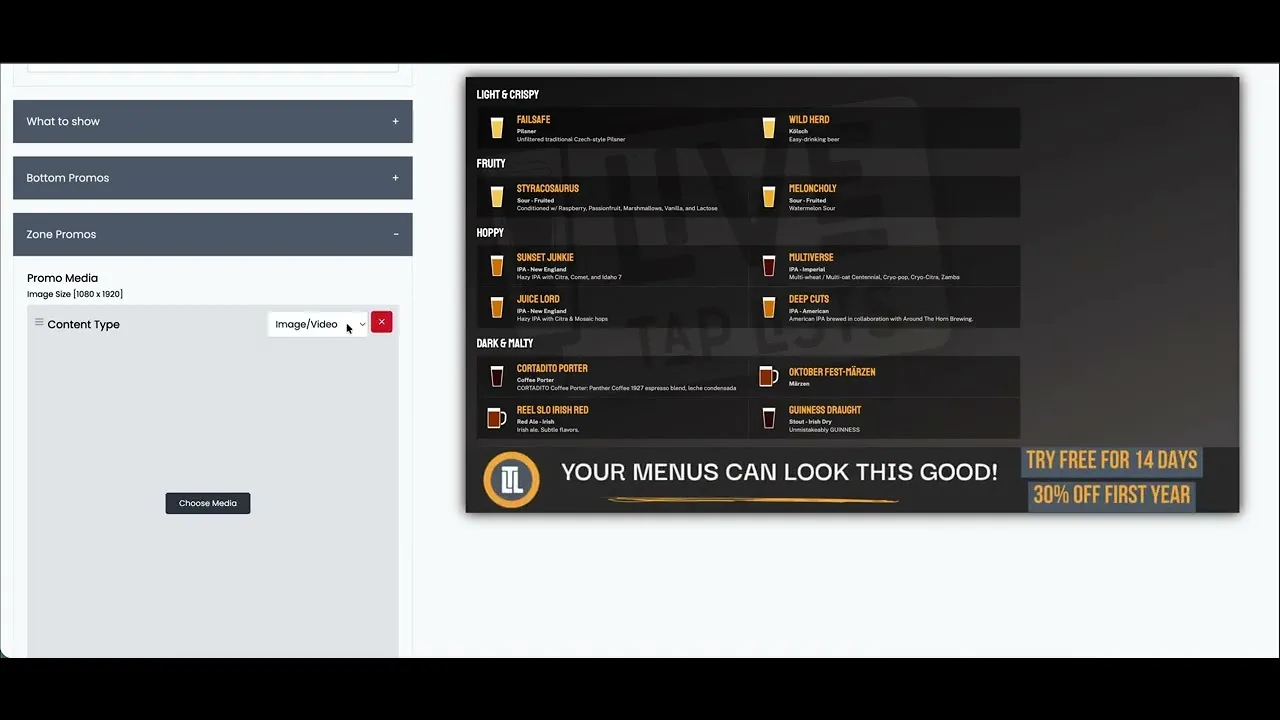
Turn Your TapWyse Events Into Digital Menu Promotions
Your events are one of the best ways to give customers a reason to visit—but keeping those events visible can take work.
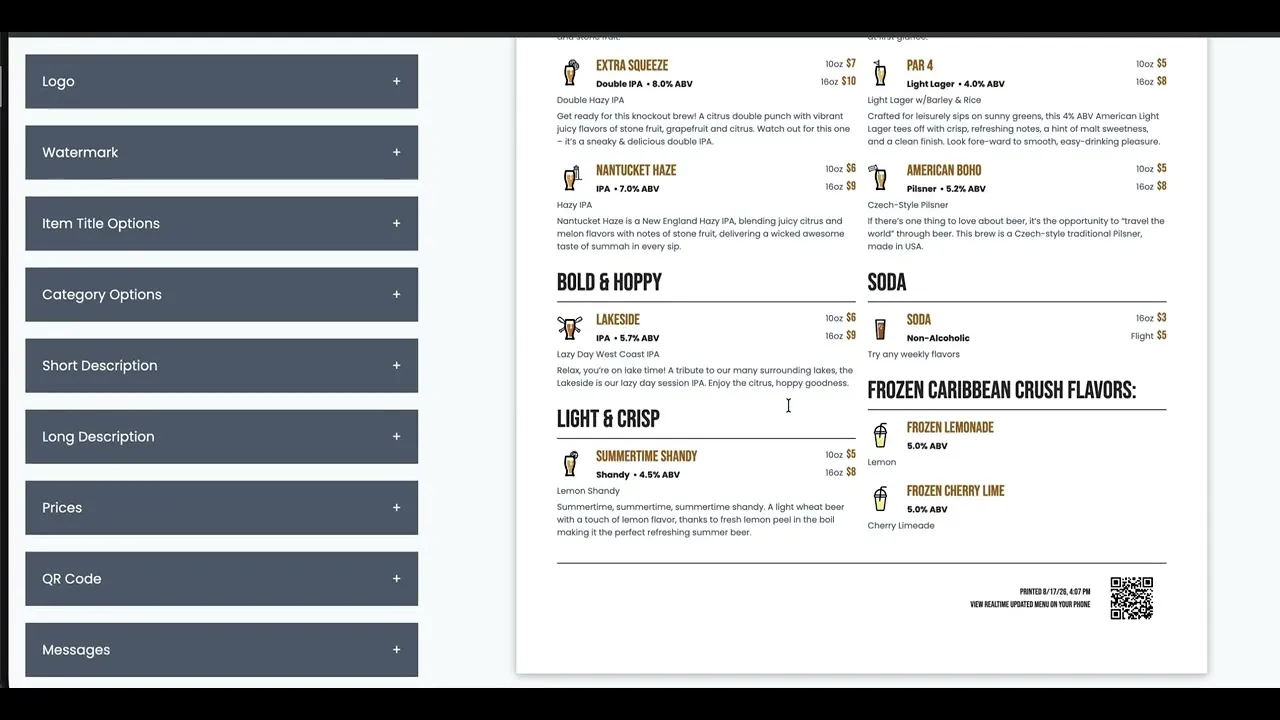
Printing Menus Just Got Easier: 5 New Print Features
Creating a great printed menu shouldn't require fighting with page breaks, font sizes, and printer settings.
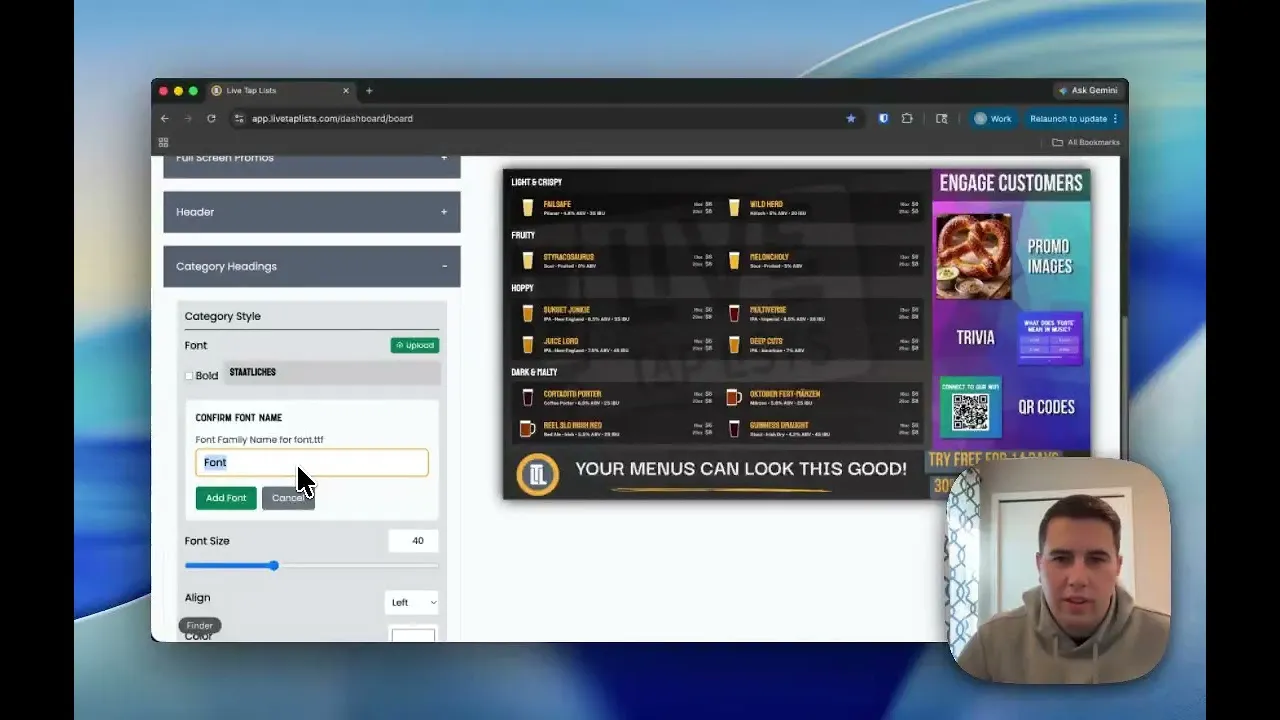
Custom Fonts Are Here: Your menus match your brand
Your menu already has a clear layout, readable type, and fast updates. Now take it one step further with the exact fonts your brand already uses.
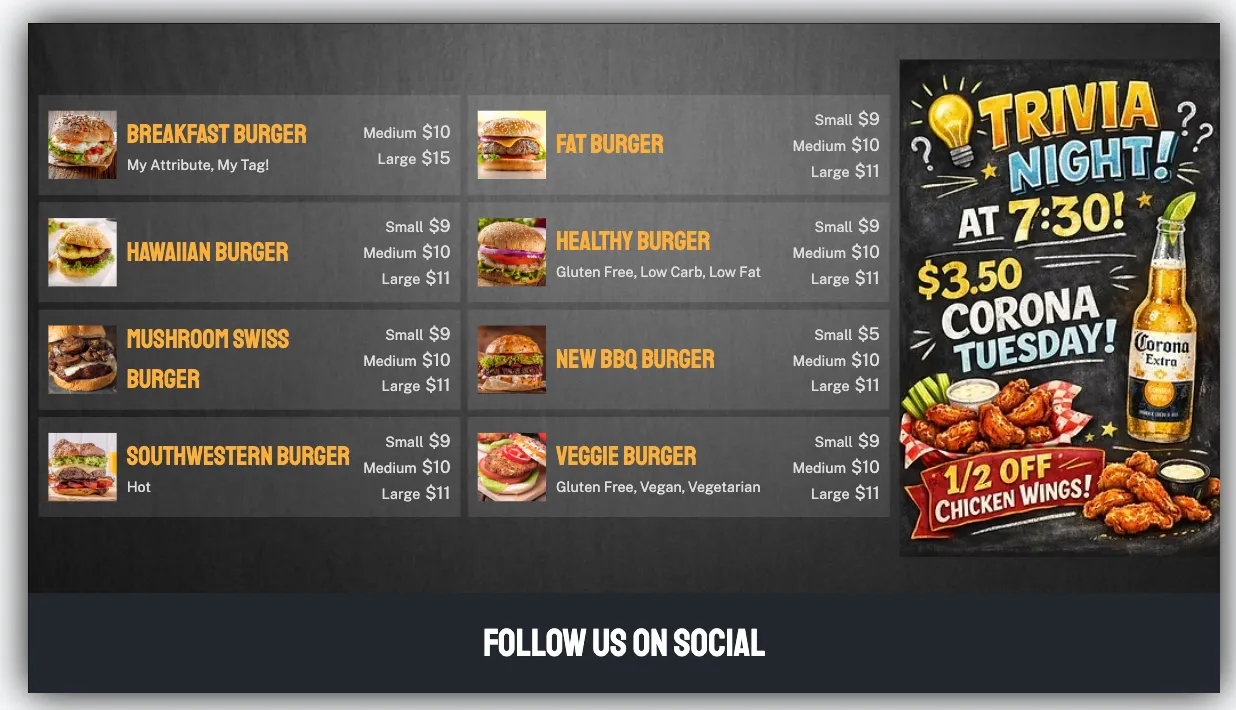
Digital Menus Work Harder with Zone Promos
Digital menus shouldn’t just list products—they should help sell them. That’s why we built Zone Promos for Live Tap Lists.
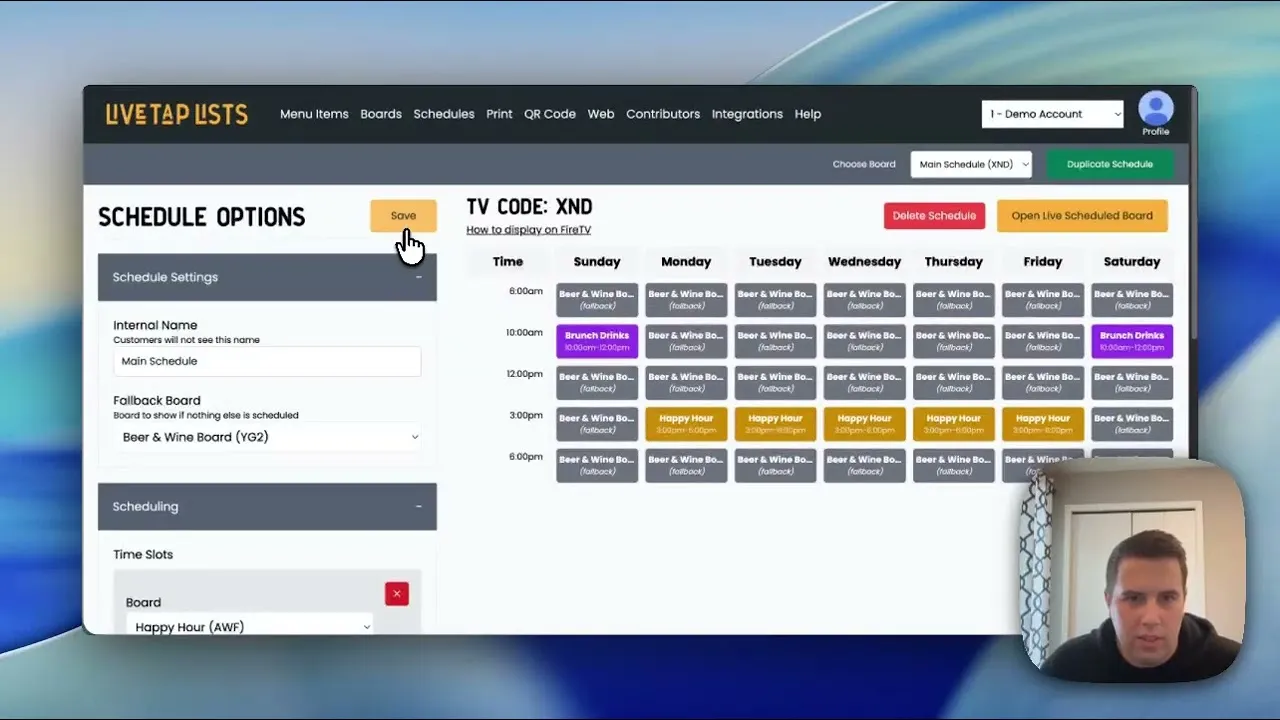
Introducing Scheduled Boards
Scheduled boards in Live Tap Lists rotate your menu boards automatically by time of day or day of week, like happy hour or breakfast, lunch, and dinner.
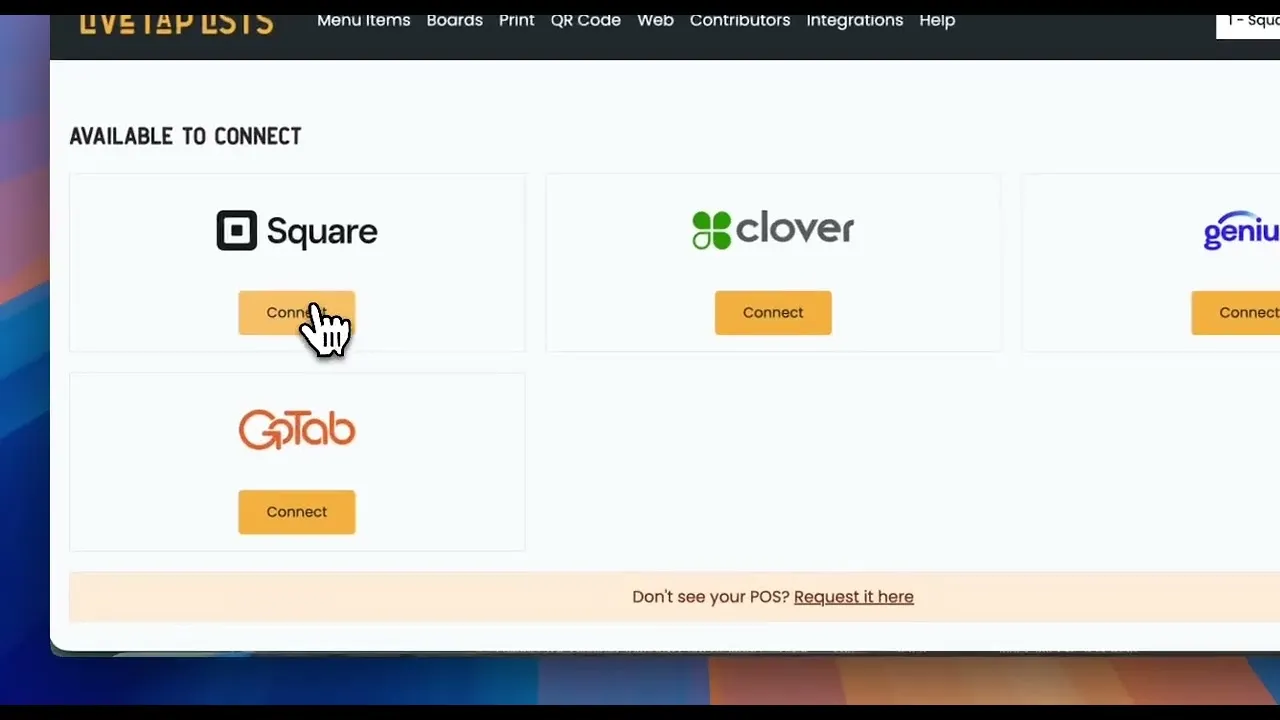
How to Sync Custom Square Fields with Live Tap Lists
How to use Square custom item fields to control how your tap list data syncs to your Live Tap Lists TV, print, website, and QR menus.
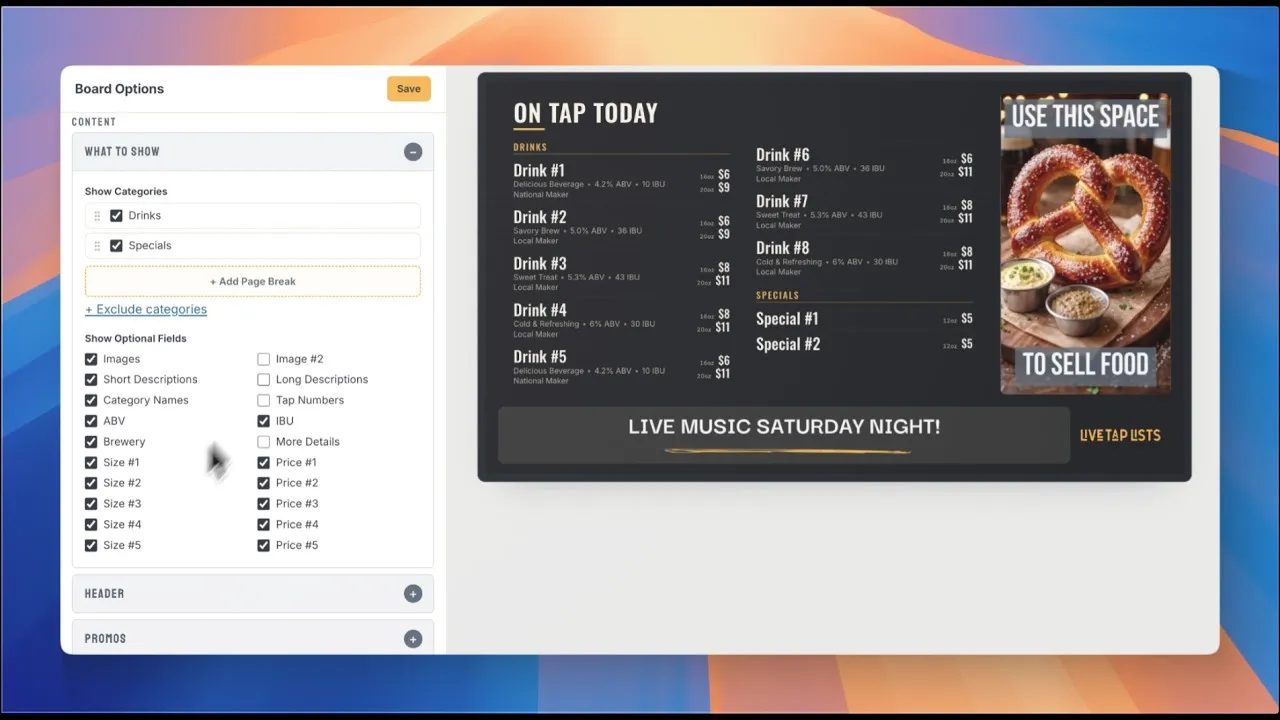
Product Demo
Watch the 8-minute product demo to see the Live Tap Lists platform in action
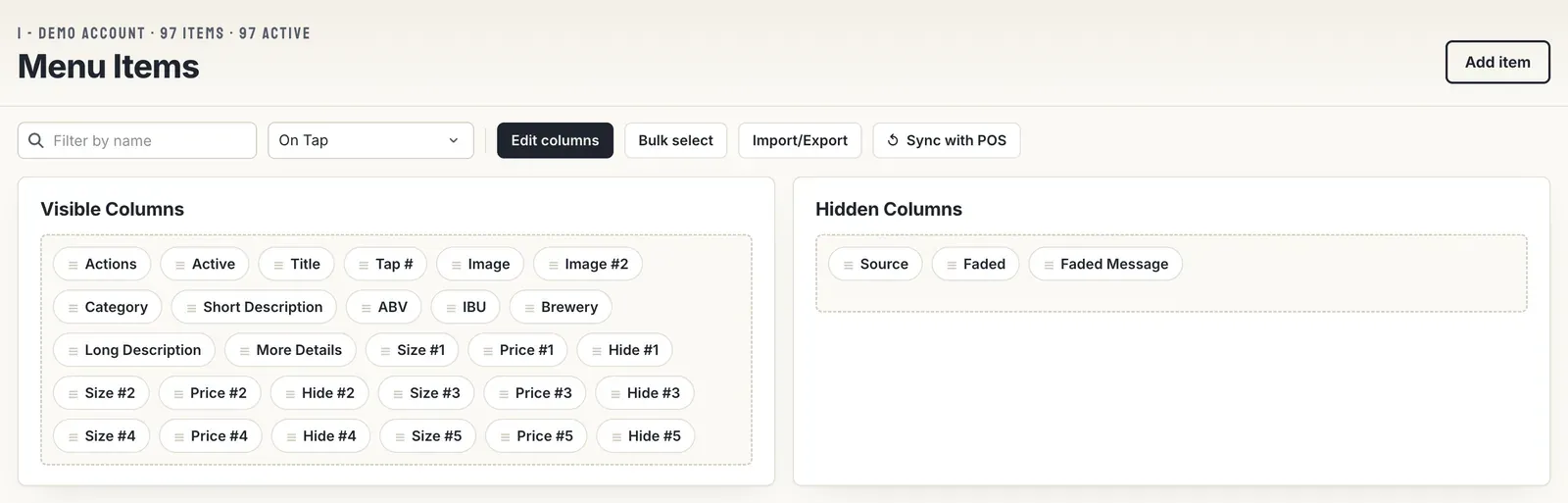
Faded Menu Items
Now you can better communicate which menu items are unavailable with faded menu items and a message for each item.
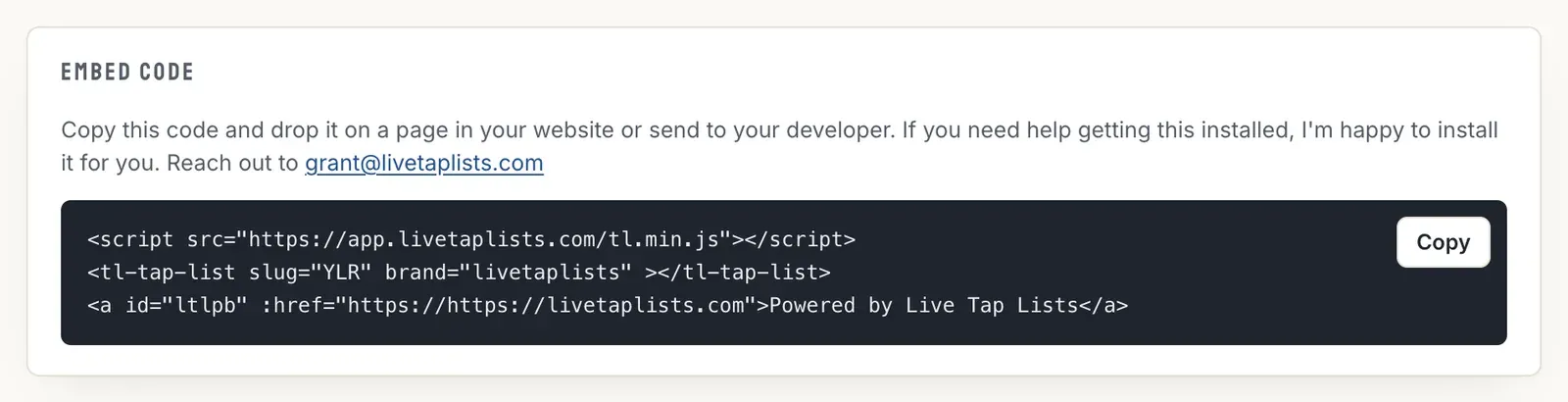
How to Add A Web Menu To A Squarespace Site
How to add your Live Tap Lists website menu to a Squarespace site with a code block, so your beer list on the web is always current.
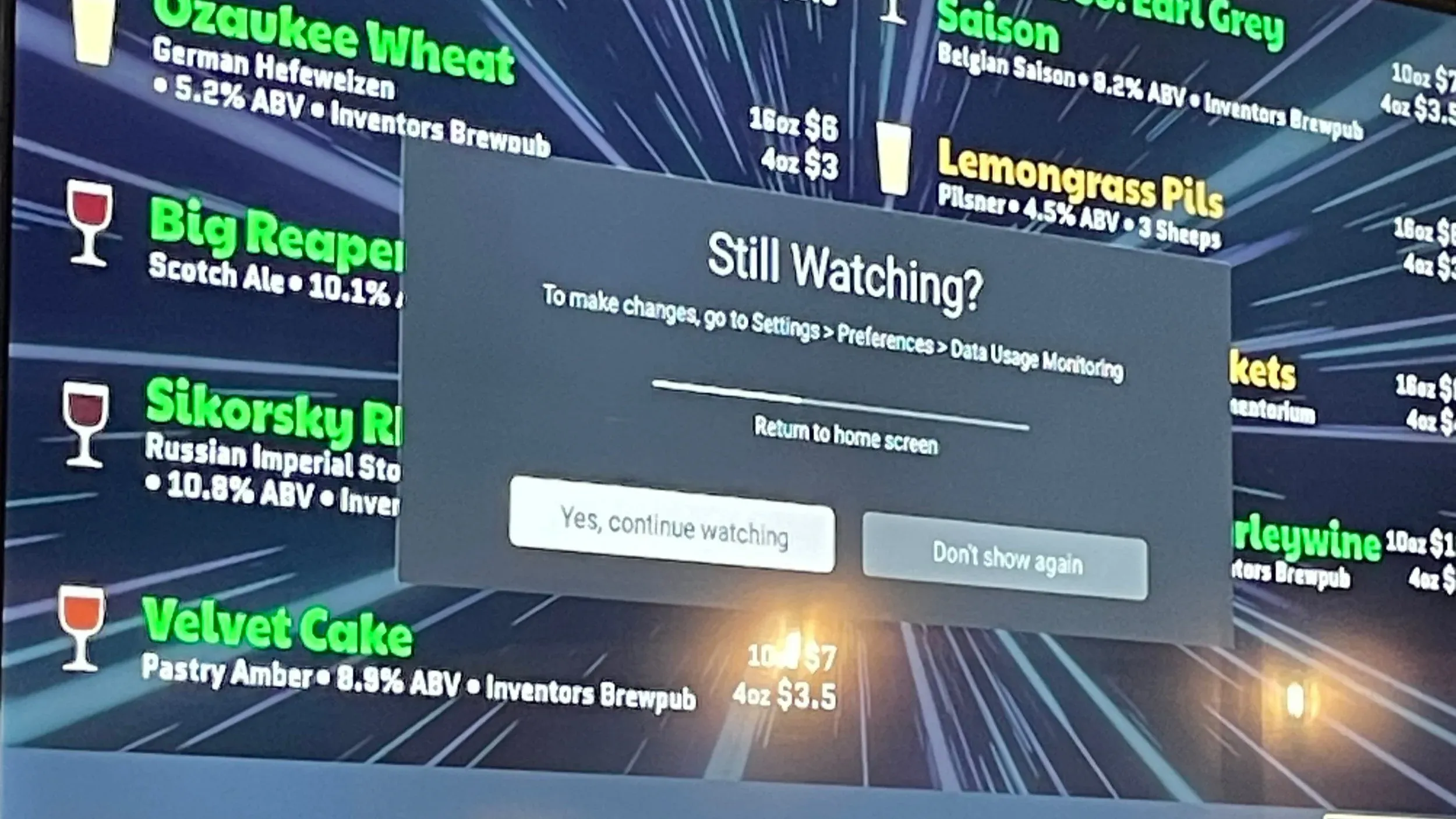
How to keep Fire TV from going to sleep
How to stop Amazon Fire TV from interrupting the Live Tap Lists app with a “Still watching?” message by changing the Data Usage Monitoring setting.
- Blog
How To Clear Cache On Fire TV App
How to clear the cache and data for the Live Tap Lists app on Amazon Fire TV, a common first troubleshooting step.
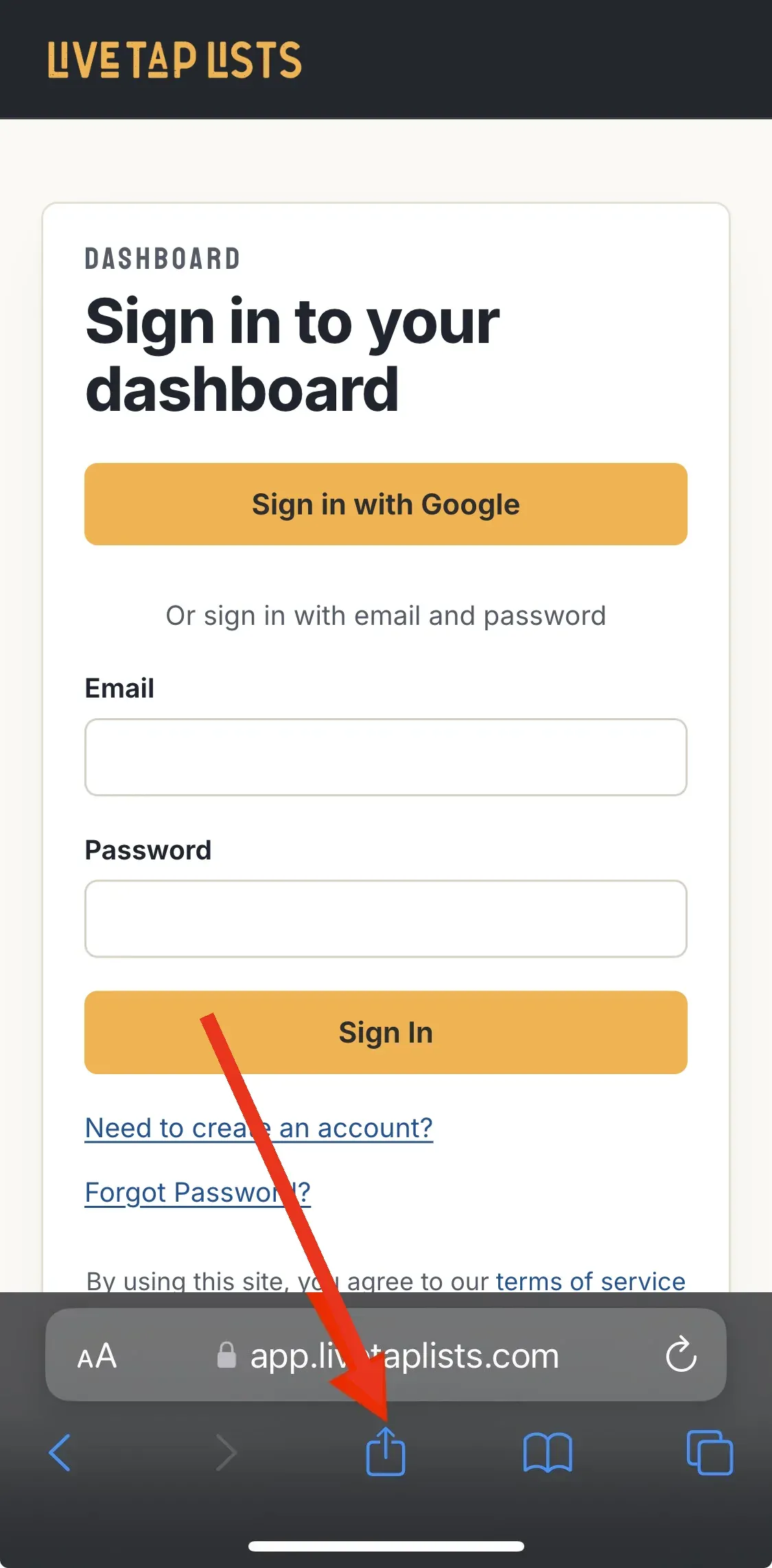
How to add Live Tap Lists Shortcut to your Phone Or Tablet
Add Live Tap Lists to your phone or tablet home screen to update your menus from anywhere. Steps for Safari on iOS and Chrome on Android.
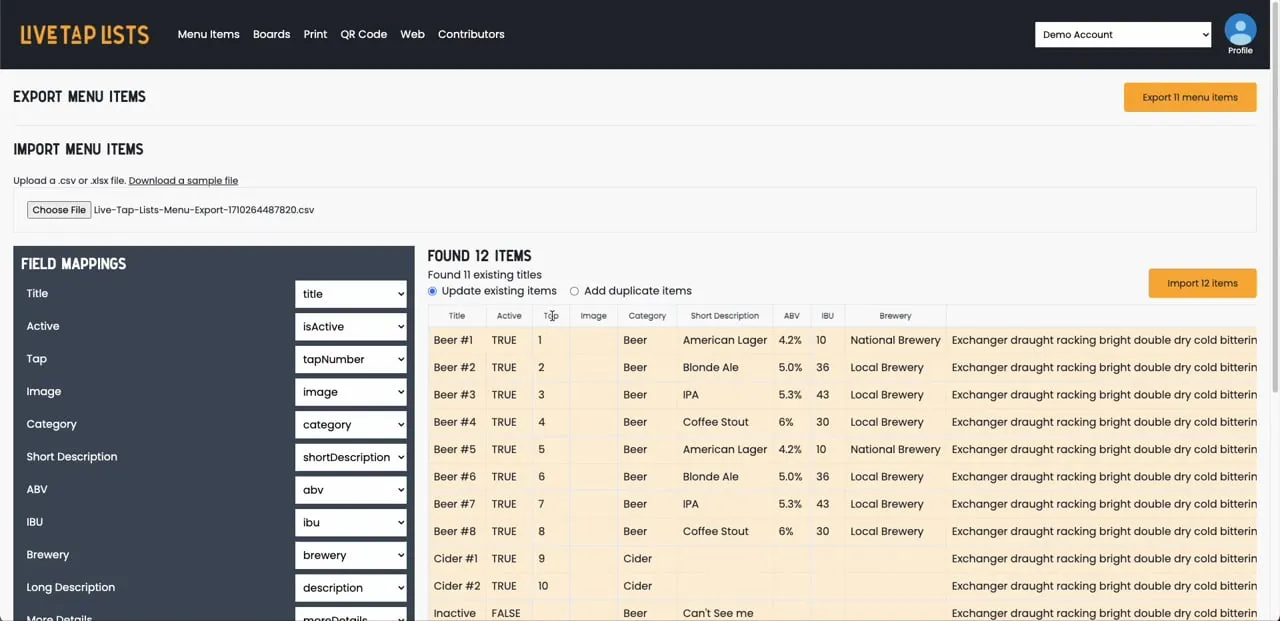
Import menus from a spreadsheet
How to import menu items into Live Tap Lists from a spreadsheet, export them for bulk edits, and re-import them.
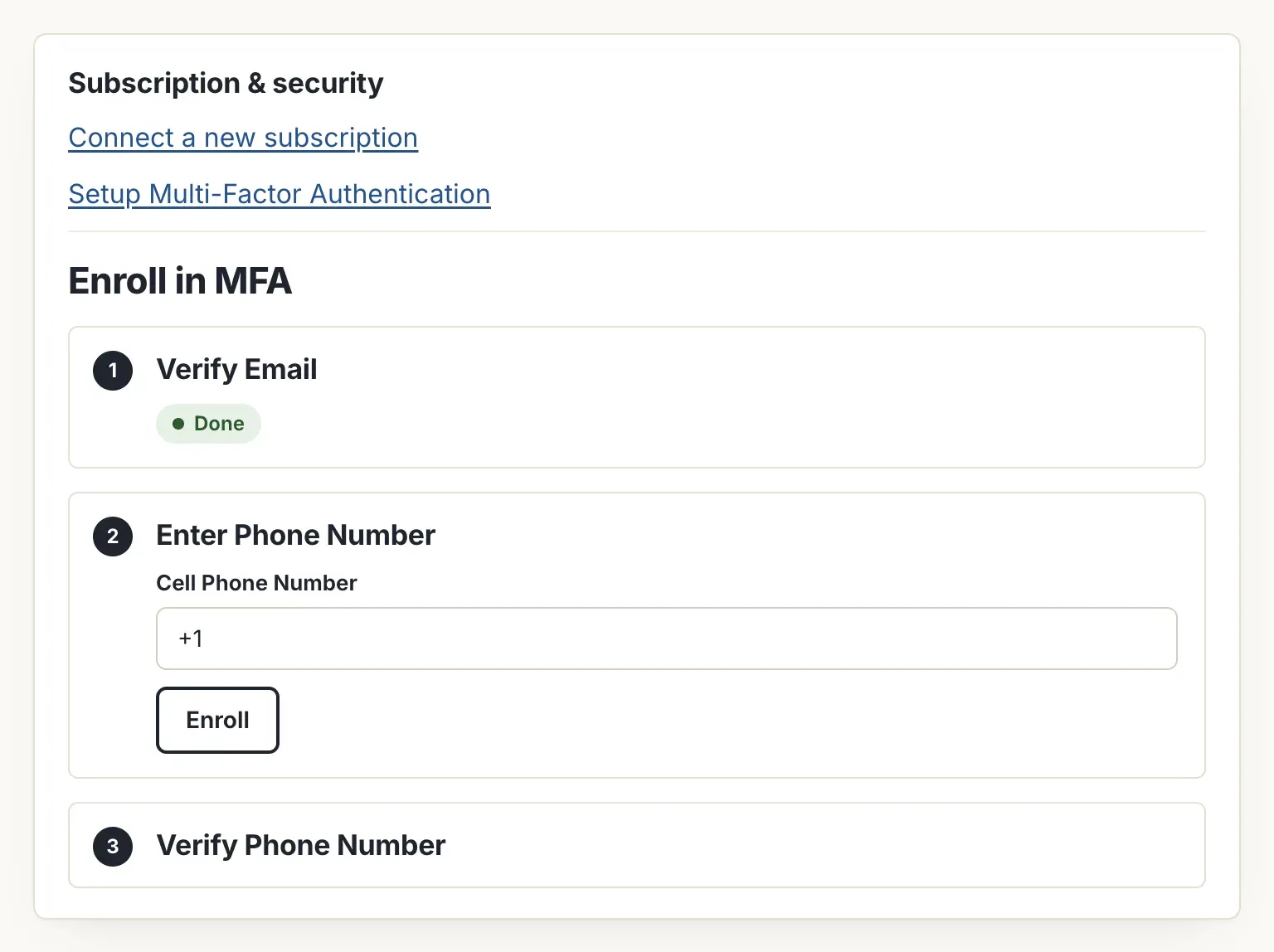
How to Enroll in Multi-factor Authentication
How to turn on multi-factor authentication for your Live Tap Lists account. It works with both Google login and email and password.

Feature Highlight: Scheduled Promos
Schedule bottom and full-screen promos on your Live Tap Lists digital menu board with a start and end time, so specials and events run on their own.
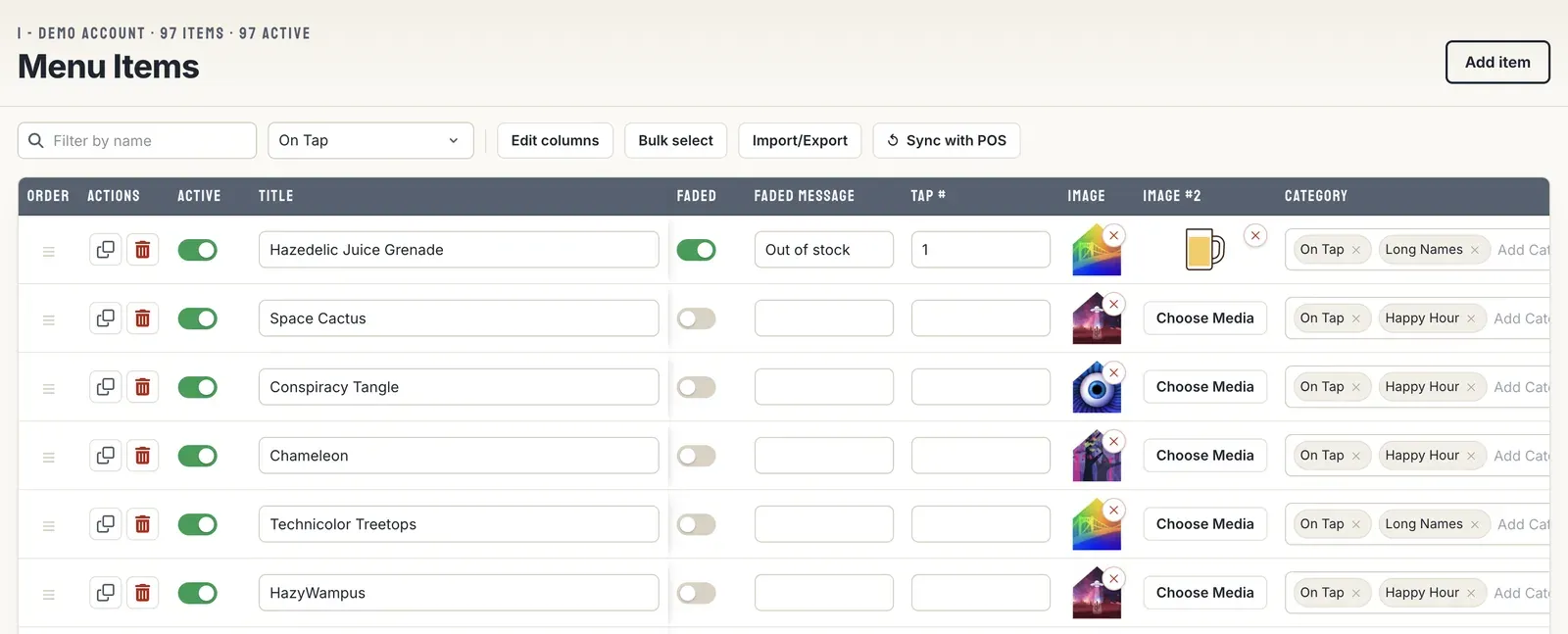
Unlimited, Flexible Beer Menus
Create as many menu versions as you need in Live Tap Lists, like separate boards for each side of the bar, a to-go board, and a drinks-only print menu.
- Blog
Tips for designing your Best Brewery Menu
Tips for designing a brewery menu guests can read, and making it available everywhere: on your website, in print, on TVs, and behind a QR code.

How to manage Employees and contributors
How to invite employees and contributors to update your Live Tap Lists menus with a one-time invitation link.
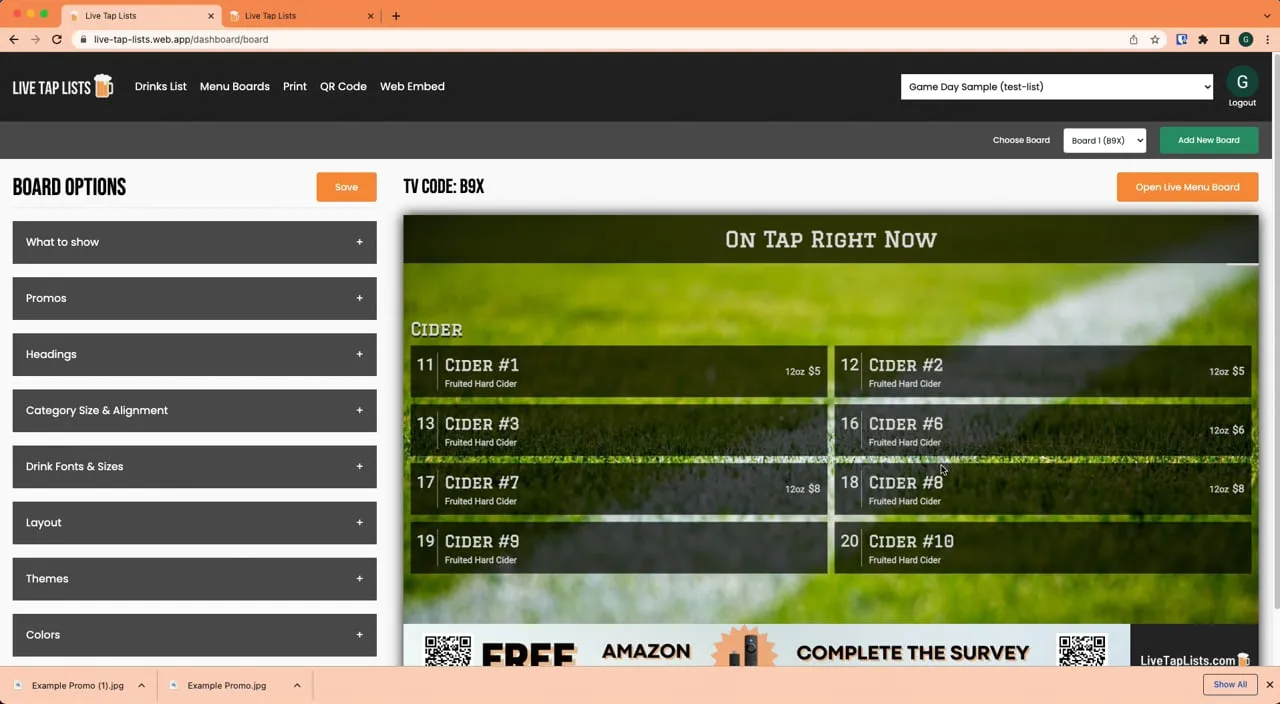
Feature highlight: Full Screen Promos
Upload full-screen promo images to your Live Tap Lists digital menu board to catch customers' eyes and tell them about upcoming events and specials.
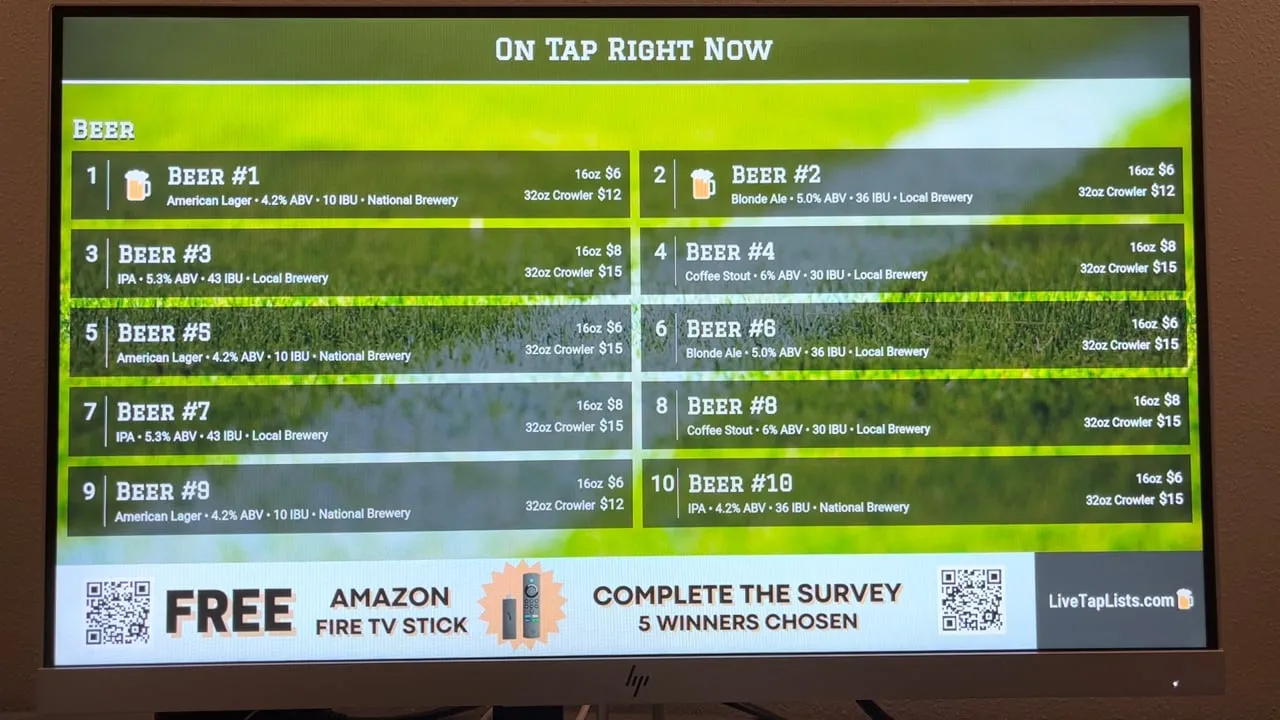
How To Display Digital Menu Board
How to show your Live Tap Lists digital menu board on a TV with an Amazon Fire TV Stick: install the app and enter your TV code.