How to Sync Custom Square Fields with Live Tap Lists
If you use Square POS and Live Tap Lists, custom fields let you fully control how your tap list data syncs across TVs, menus, and your website. By creating custom item fields in Square—such as style, ABV, or descriptions—you can customize your POS to match how your brewery operates. Live Tap Lists reads these fields directly, keeping your digital menus accurate without manual updates.
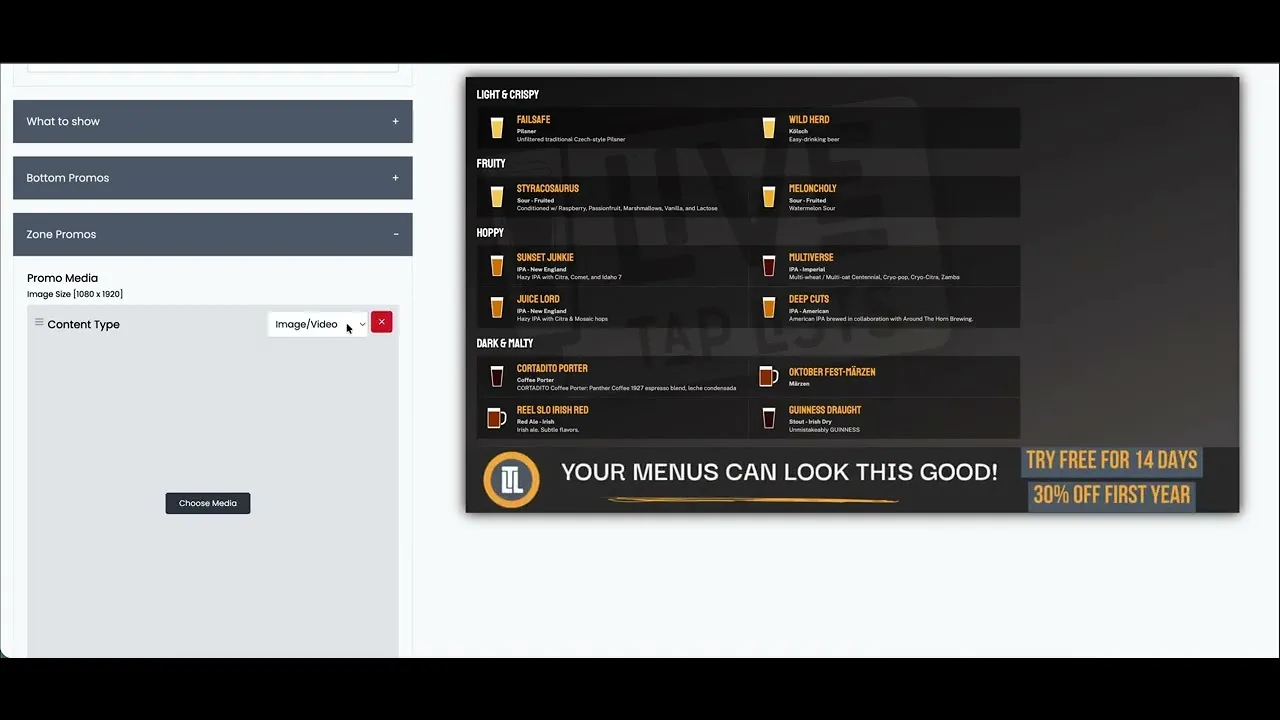
In this walkthrough, we show how to create custom fields in Square, populate them on your menu items, and map each field to Live Tap Lists for automatic syncing. Once set up, any change made in Square instantly updates your tap lists everywhere, reducing errors and saving time during service. Watch the video to see the full setup step by step.