How to keep Fire TV from going to sleep
Is your Fire TV interrupting the Live Tap Lists app with this message, “Still Watching?”
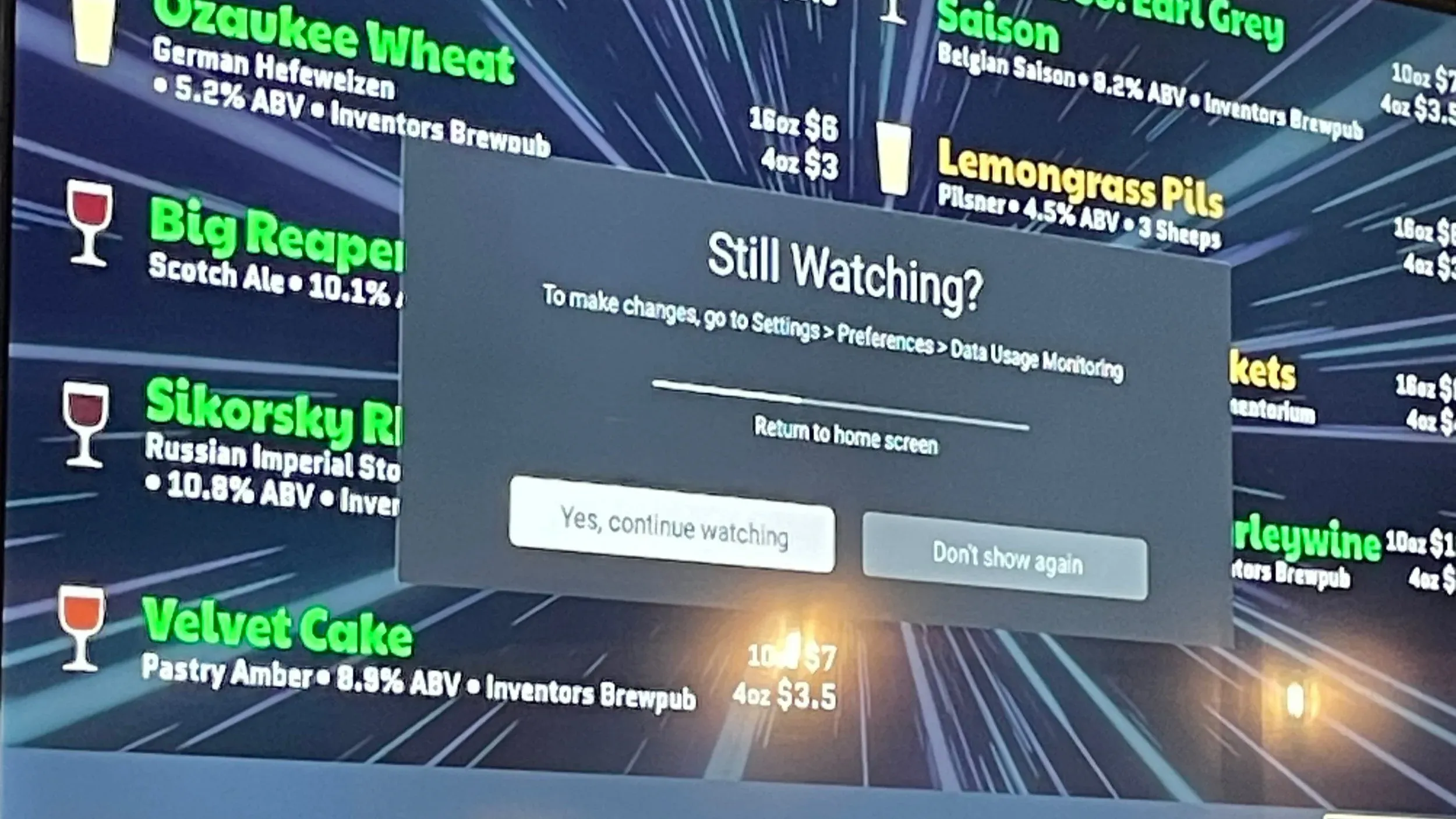
Luckily there is an easy solution. On your Fire TV, go to
Settings -> Preferences -> Data Usage Monitoring
Find the preference for “Still Watching”, and change it to “Off”