
Hardware
Hardware for your digital menu board
All you need is a TV and an Amazon Fire TV device. Here are the screens and streaming sticks we recommend, and how big your screen should be.
Displays and screens
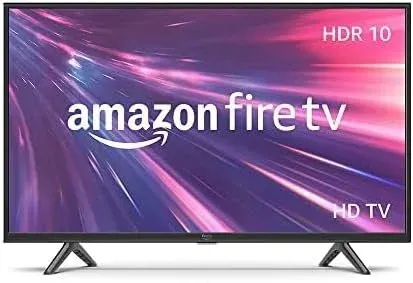
32" or 40" Fire TV
Great for smaller spaces, when guests are about 4 feet from the screen.
Buy on Amazon (opens in a new tab)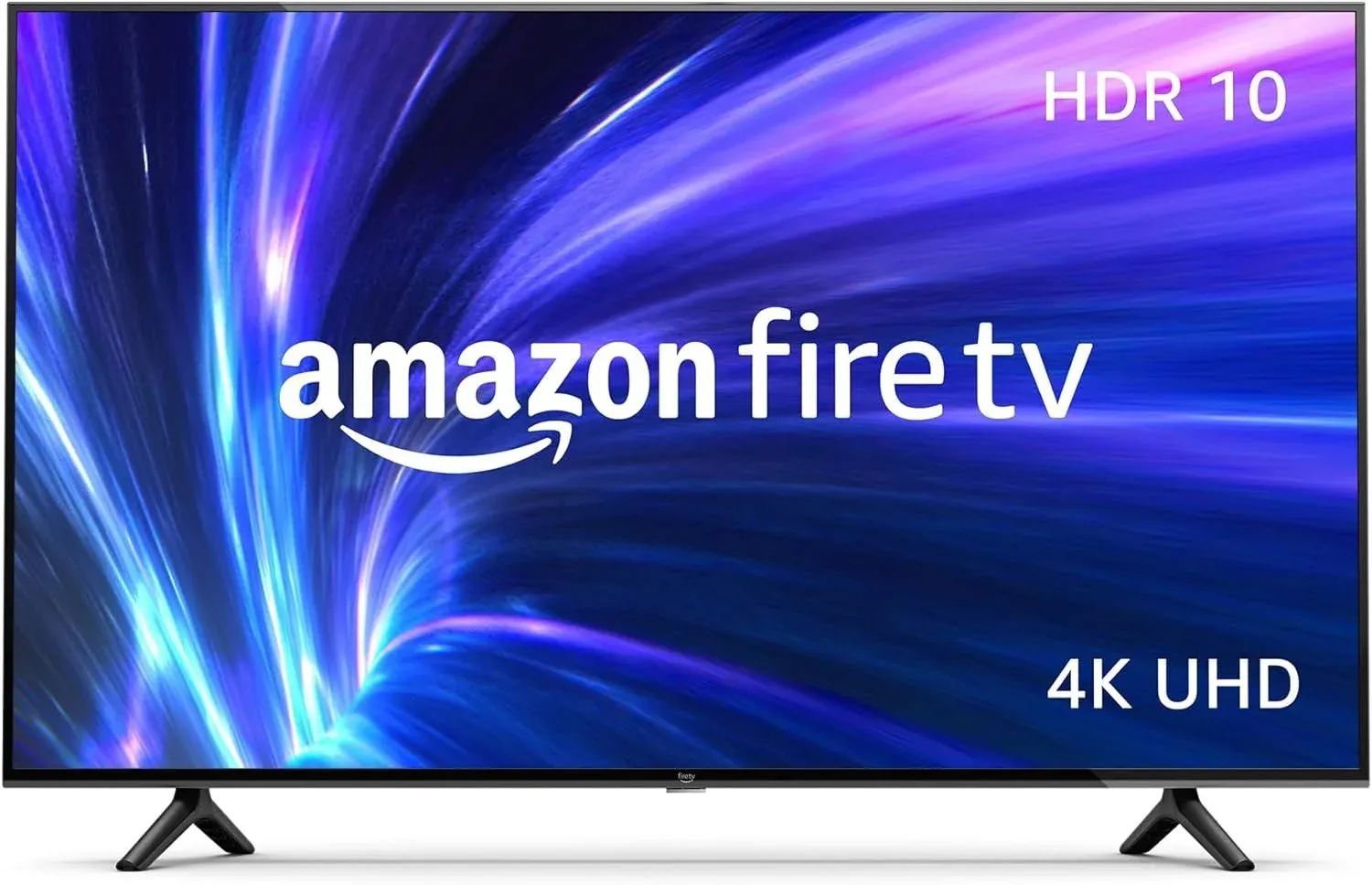
43", 50", or 55" Fire TV
Larger screens for behind the bar, when guests are 6 to 7 feet away.
Buy on Amazon (opens in a new tab)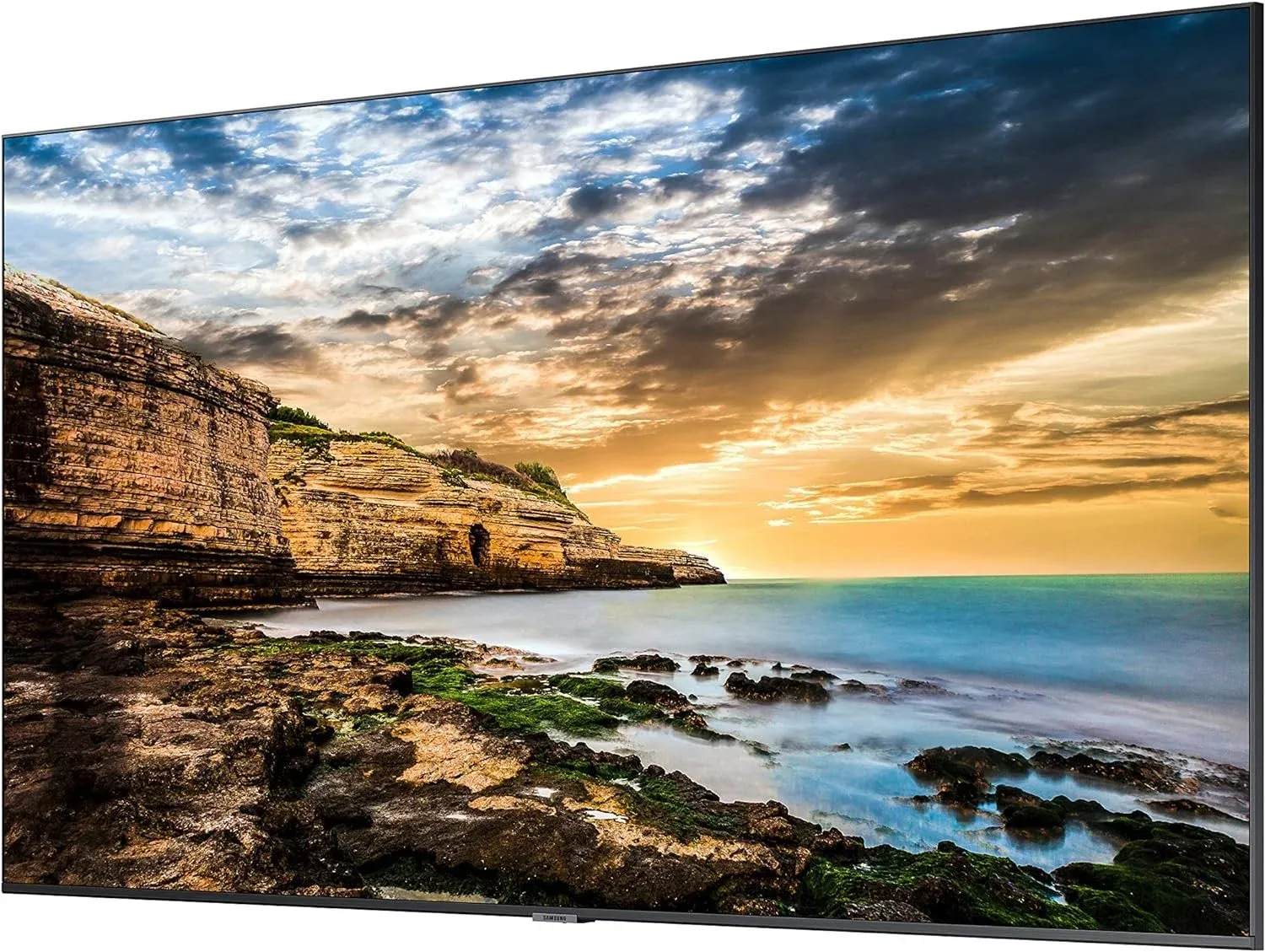
Samsung anti-glare commercial display
Commercial-quality anti-glare screen in 43", 50", 55", 65", 70", and 75". Pair it with a Fire TV Stick.
Buy on Amazon (opens in a new tab)
Fire TV Sticks
Using a TV that isn’t a Fire TV? Plug in a Fire TV Stick and install the Live Tap Lists app.
- Good
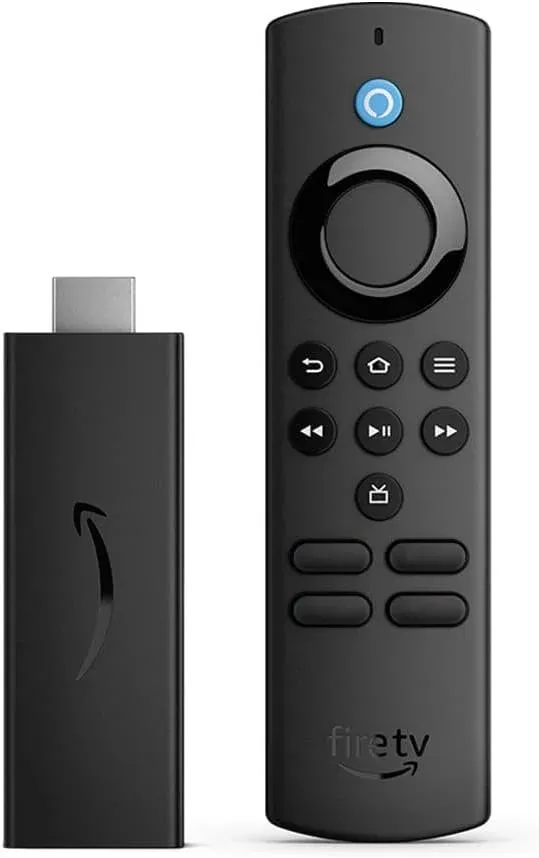
Fire TV Stick Lite
For simple menus without any video content, this will do the trick.
Buy on Amazon (opens in a new tab) - Better
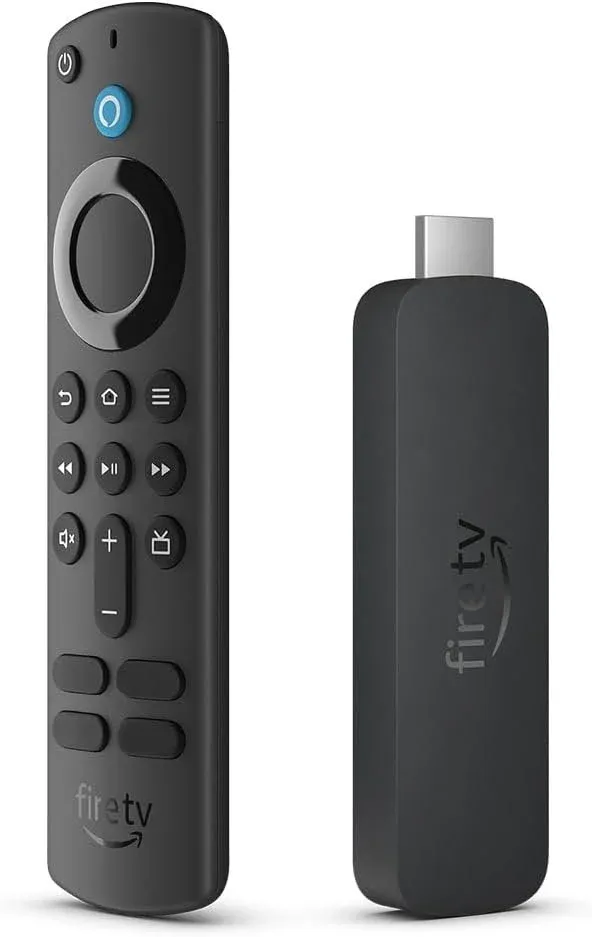
Fire TV Stick 4K
Double the memory of the Lite, so it performs better and feels faster.
Buy on Amazon (opens in a new tab) - Best
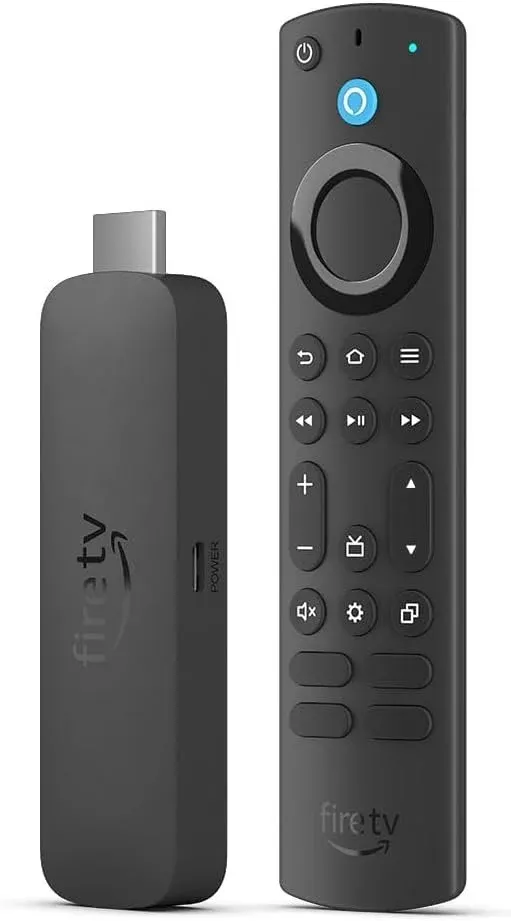
Fire TV Stick 4K Max
Double the storage of the Fire TV Stick 4K. The best option for menus with video.
Buy on Amazon (opens in a new tab)
What size screen do you need?
Screen size depends on how far guests are from the screen. The farther away, the bigger it needs to be.
Behind the bar? Use at least a 50" screen. Bigger is often better.
| Screen size | Viewing distance |
|---|---|
| 32" | 4 feet |
| 40" | 5 feet |
| 46" | 5½ feet |
| 50" | 6 feet |
| 55" | 7 feet |
| 60" | 7½ feet |
Hardware FAQ
What hardware do I need for a Live Tap Lists menu board?
A TV and an Amazon Fire TV device. A Fire TV television has it built in; any other TV with an HDMI port works with a Fire TV Stick. You can also cast from a computer with Chromecast or connect a computer over HDMI.
What size screen should I buy?
Size the screen to how far away guests are: about 32 inches at 4 feet, 50 inches at 6 feet, and 60 inches at 7½ feet. If the screen is behind the bar, use at least 50 inches.
Which Fire TV Stick should I get?
The Fire TV Stick Lite works for simple menus without video. The Fire TV Stick 4K performs better and feels faster. The Fire TV Stick 4K Max is the best option for menus with video.
As an Amazon Associate, Live Tap Lists earns from qualifying purchases made through the Amazon links on this page.
Got your TV? Put your menu on it.
Start a free trial and have your board live in minutes.