
Live Tap Lists

Digital menu boards

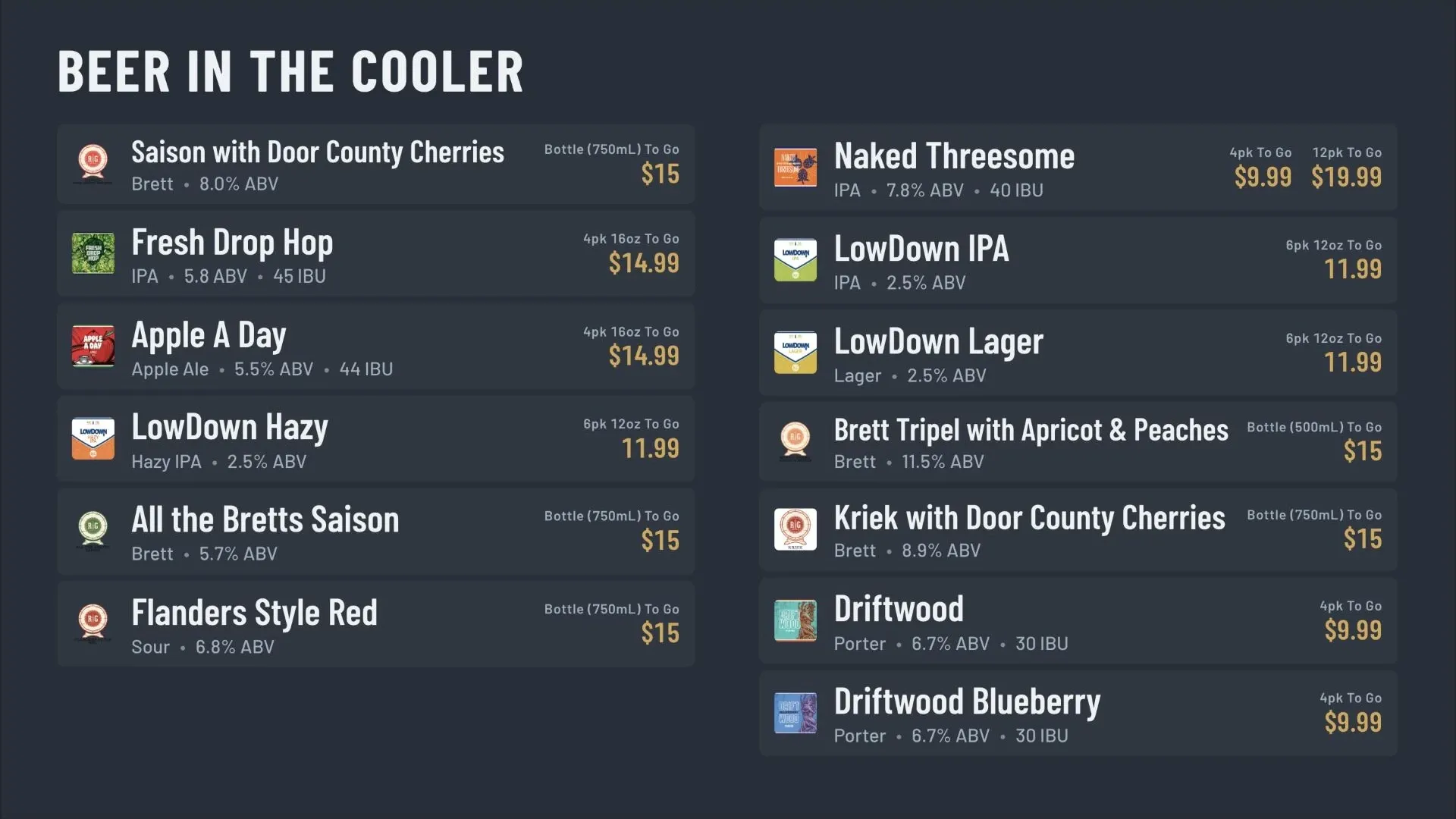
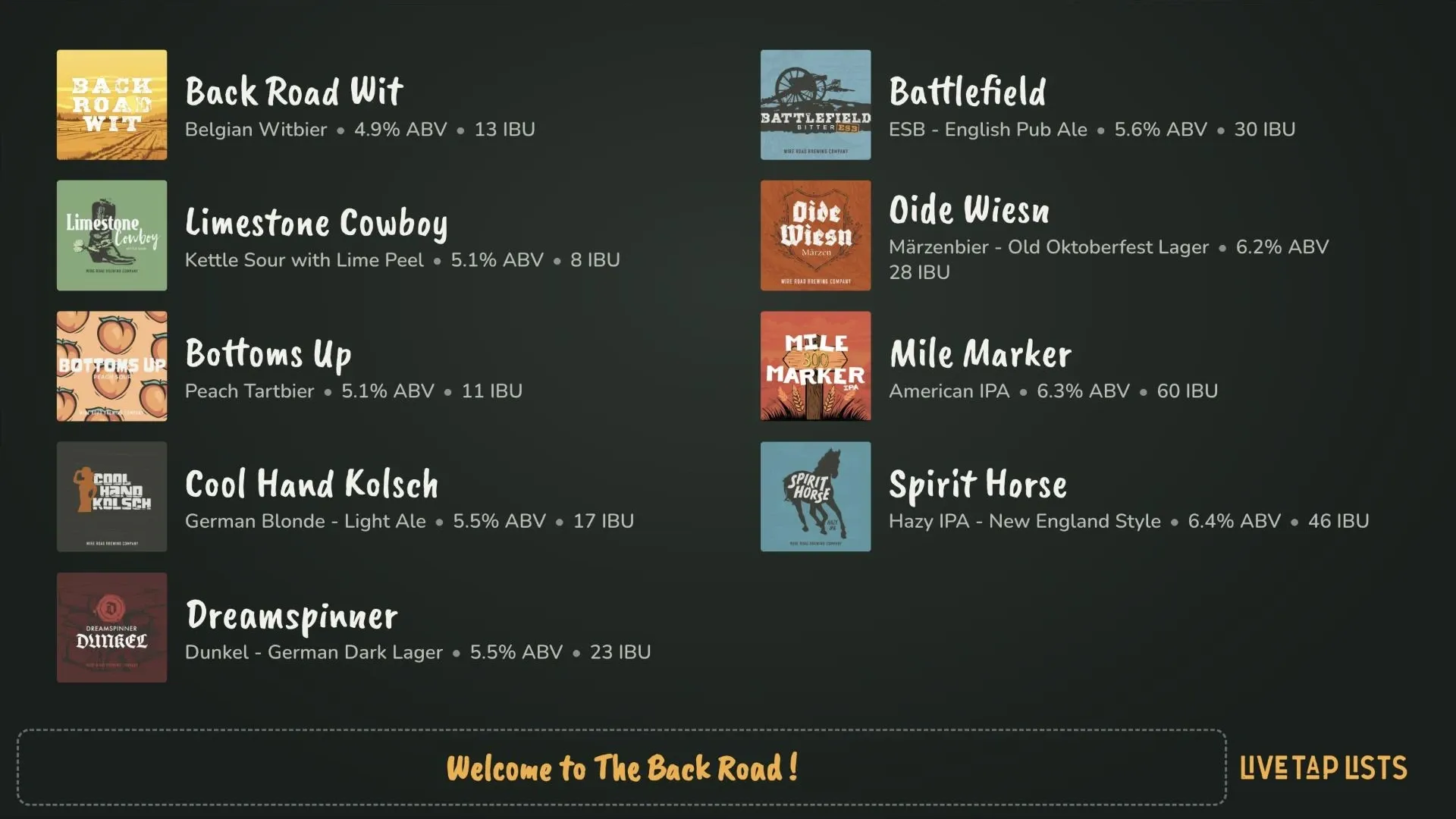
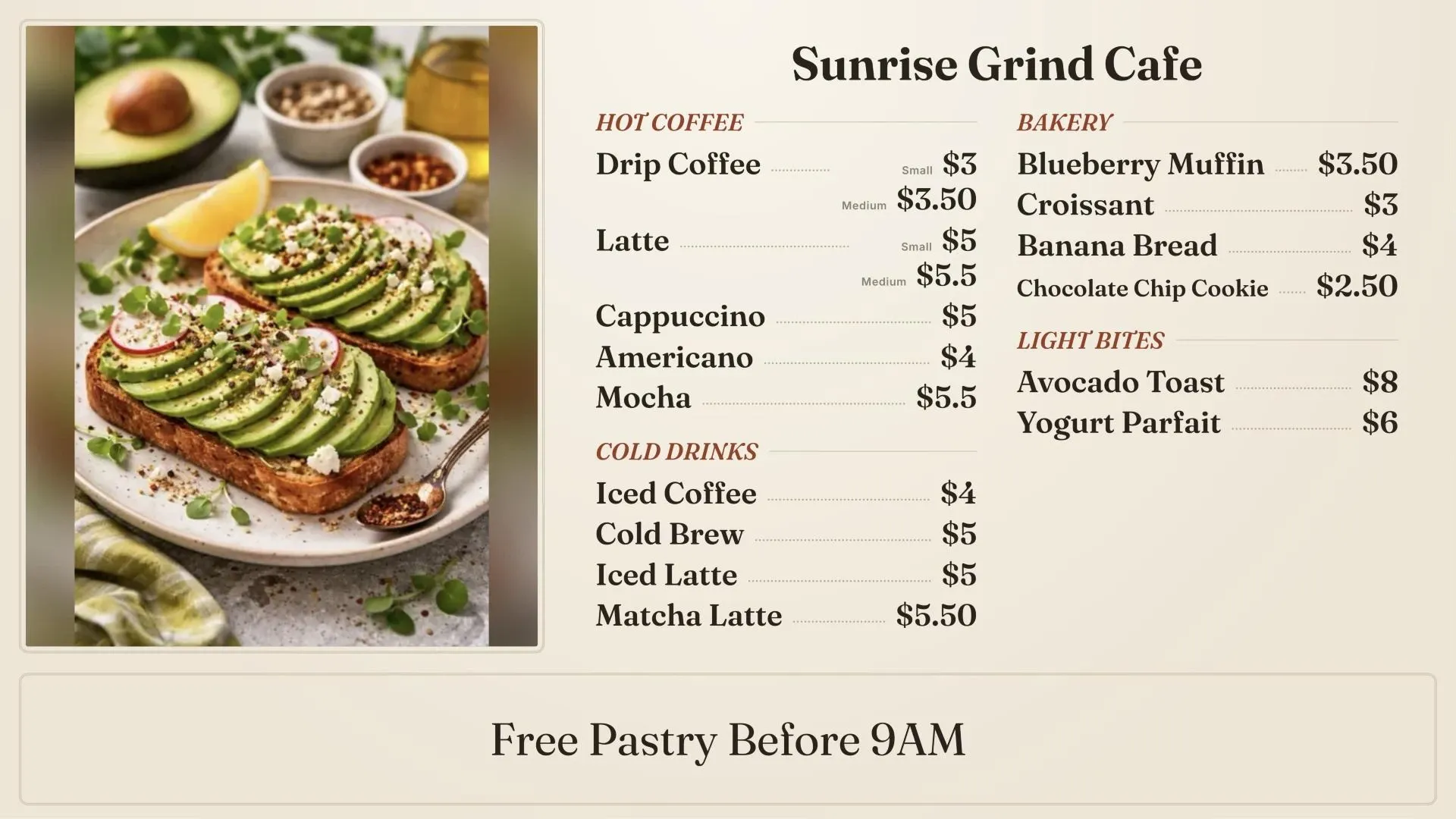
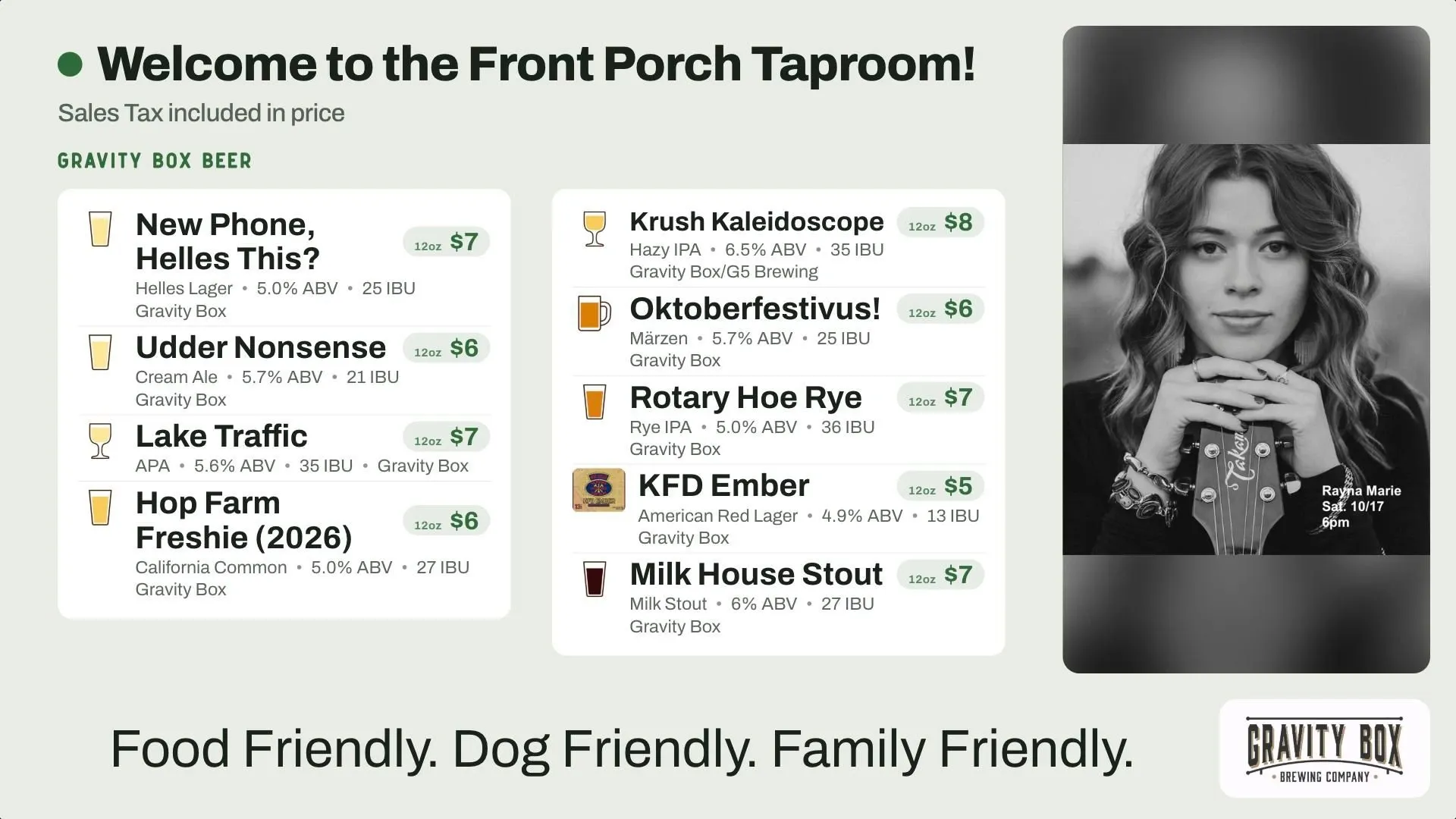
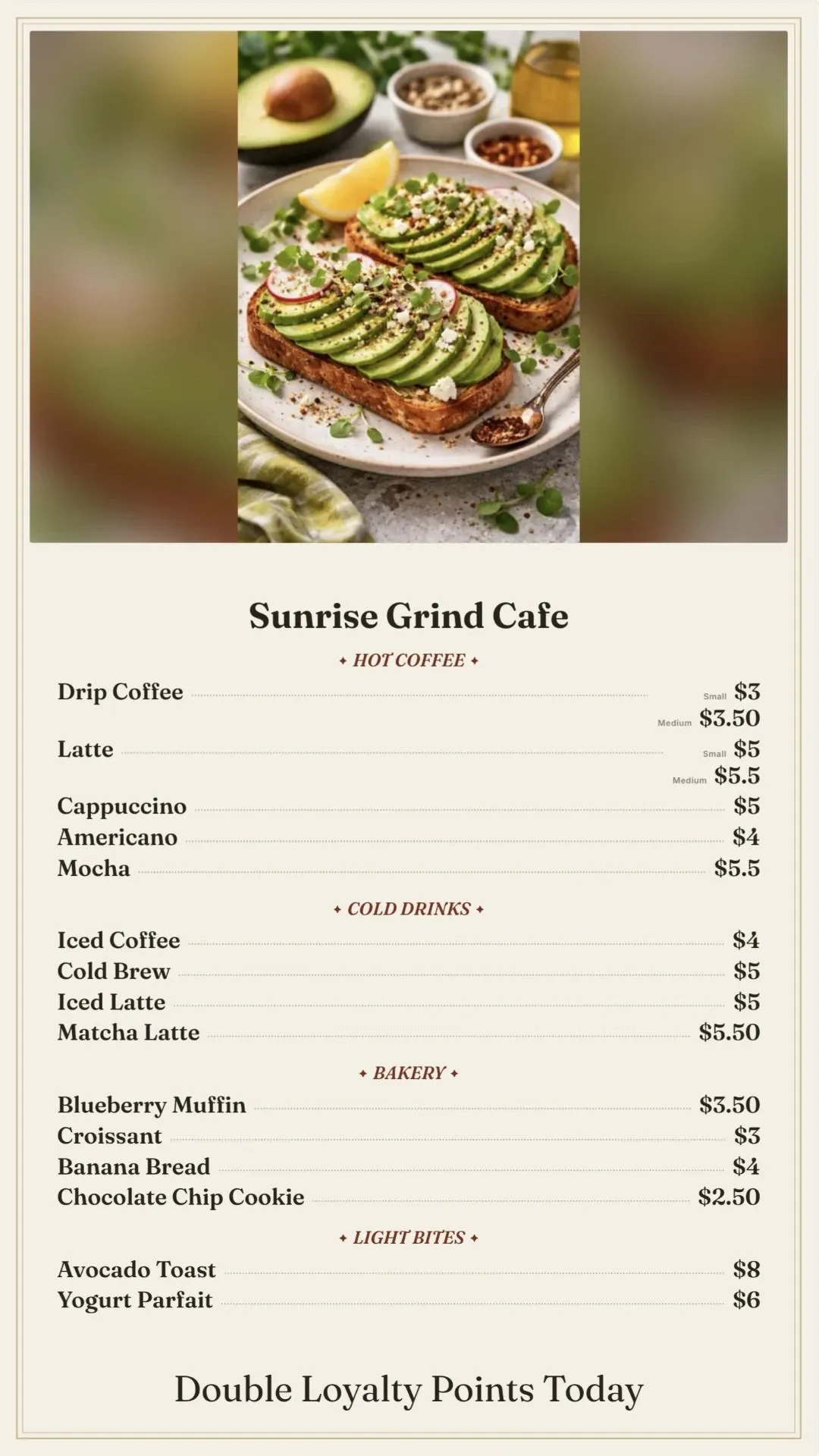
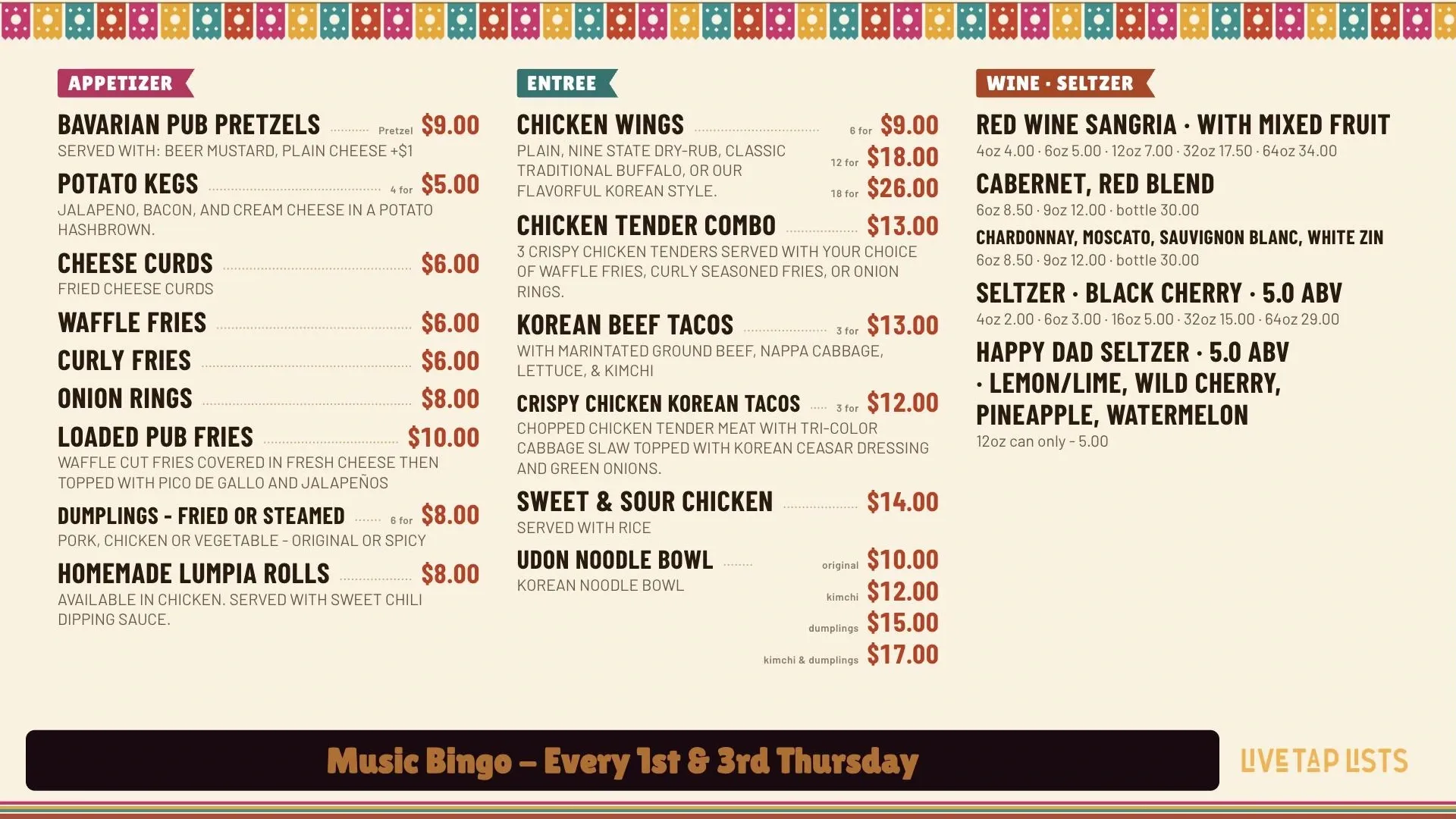
Live Tap Lists puts your current tap list on the TVs in your taproom or bar, in your own branding. Change an item and it is on screen immediately through the Fire TV app.

Start a free trial Book a demo

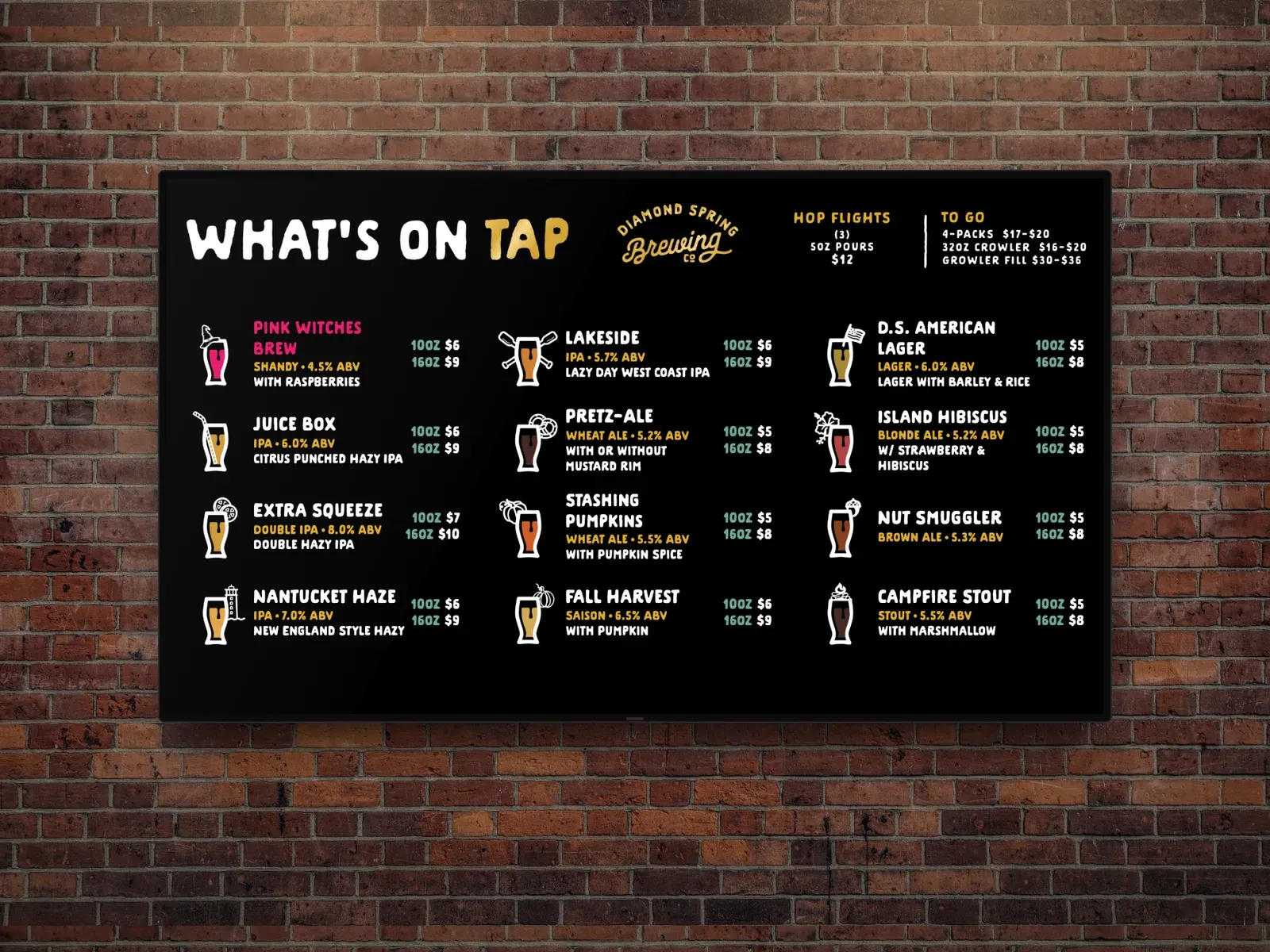
A horizontal Live Tap Lists digital menu board for Diamond Spring Brewing on a TV mounted on a brick wall

What you get

  • Your branding

    Use your own background, colors, and fonts, including your brand's custom fonts.

    Learn more →
  • Everything guests ask about

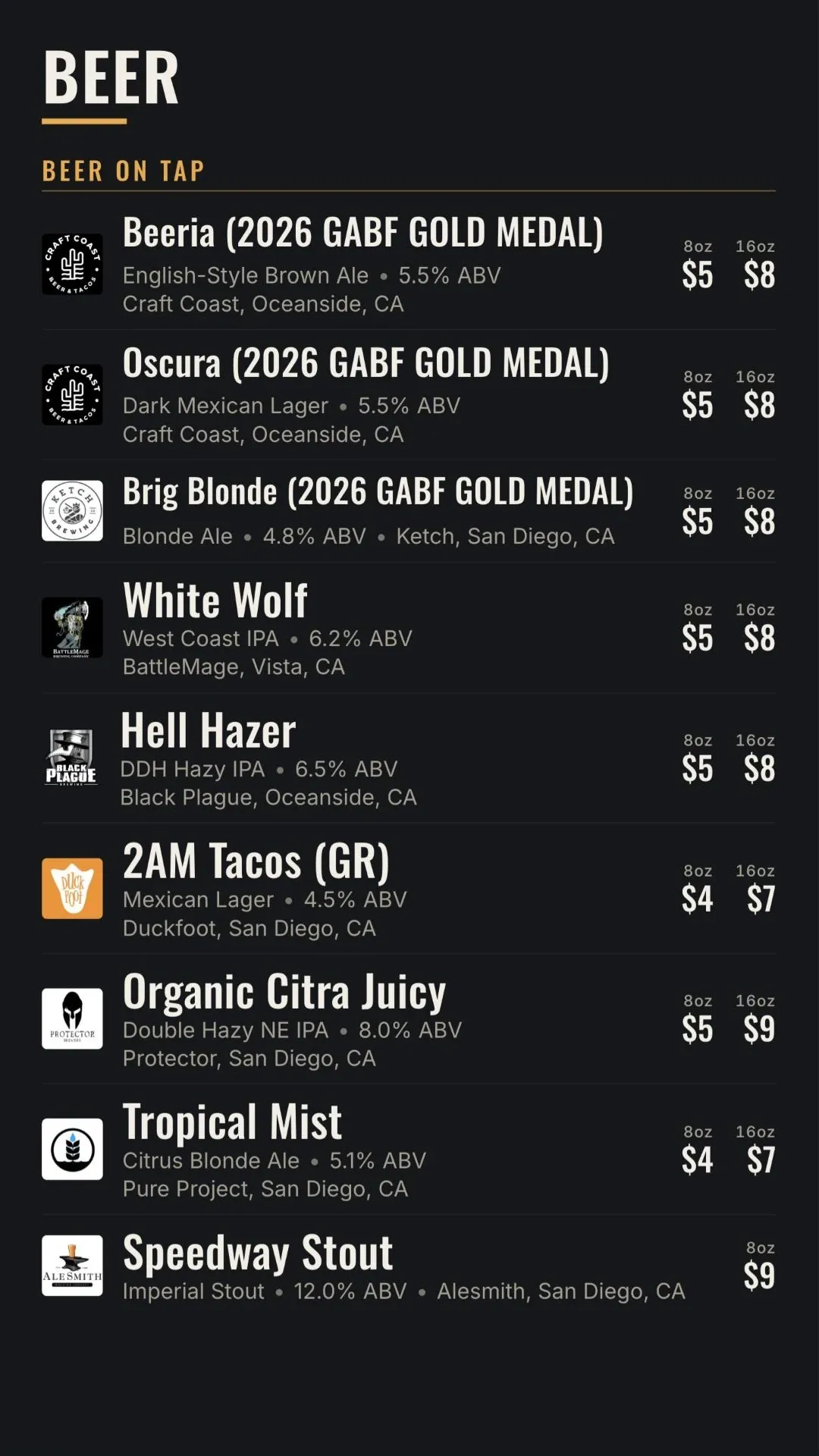
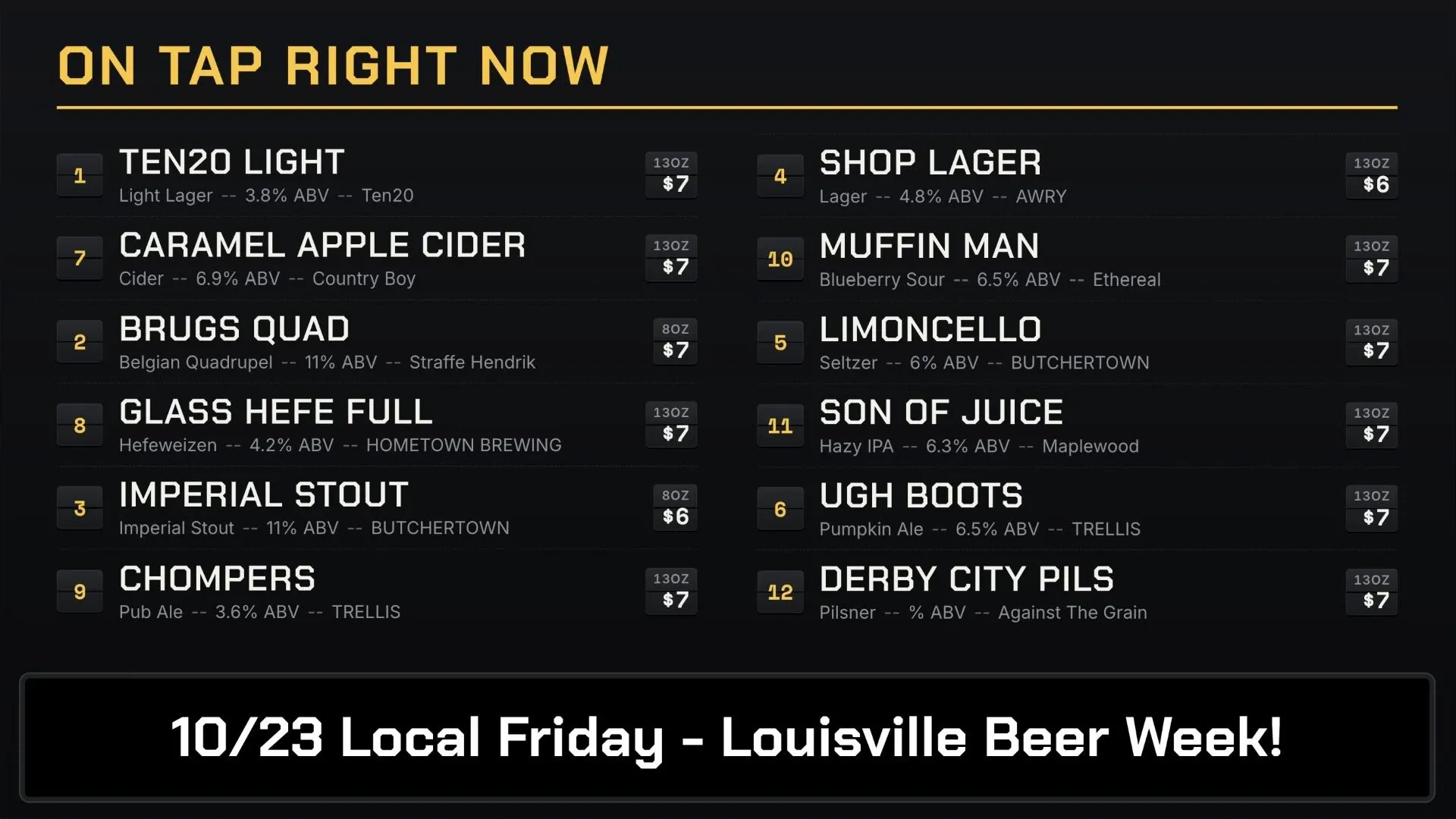
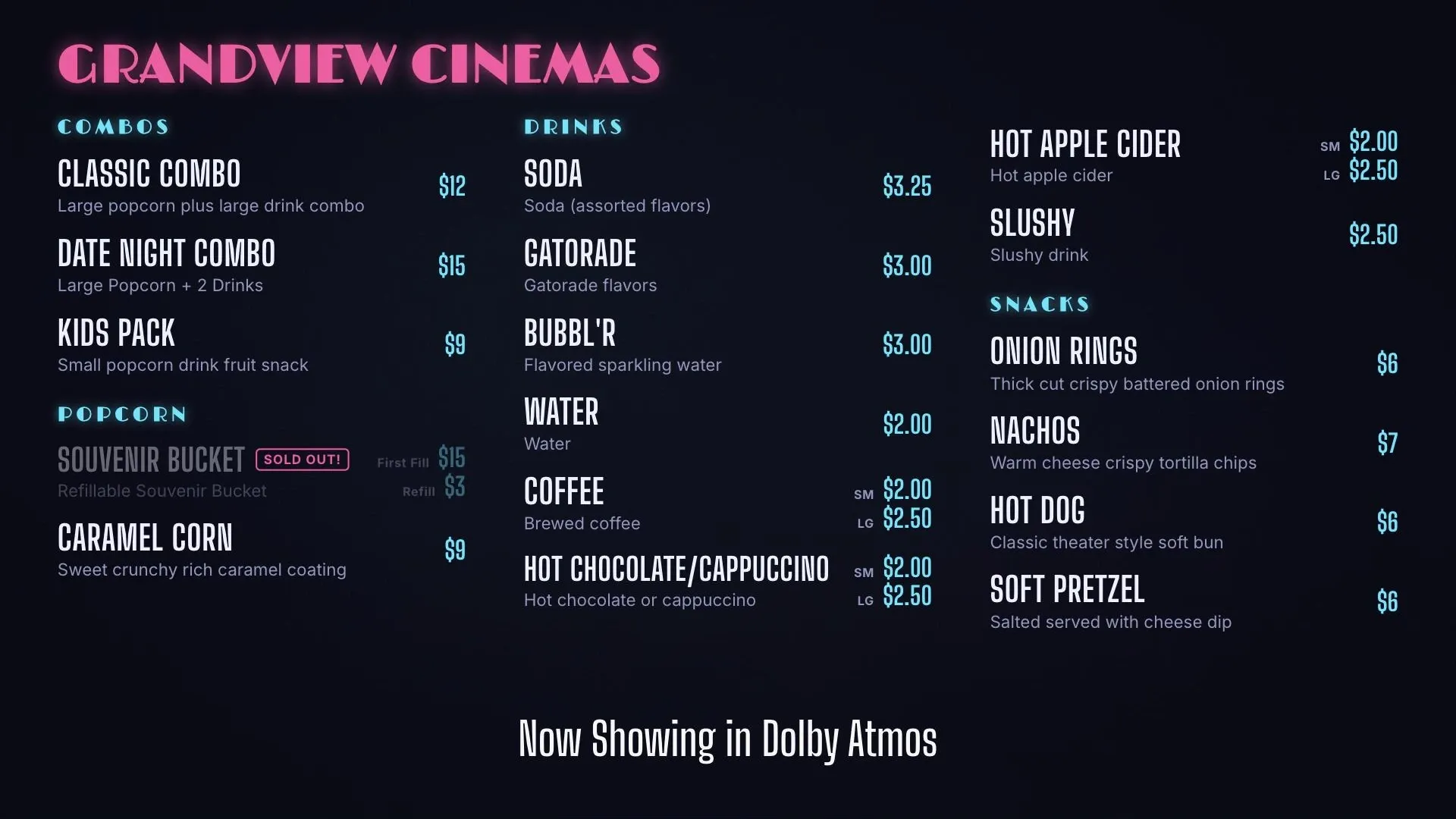
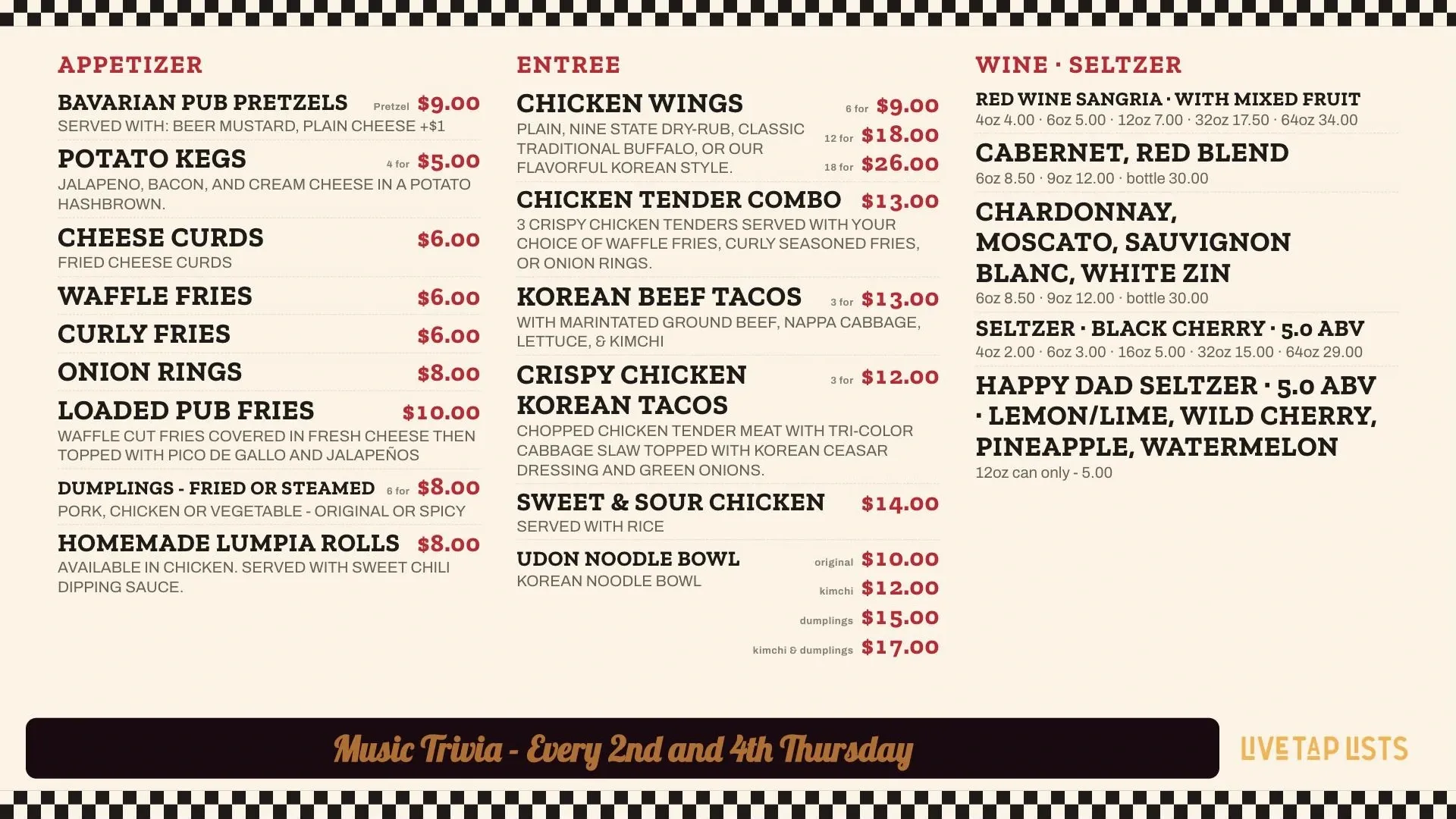
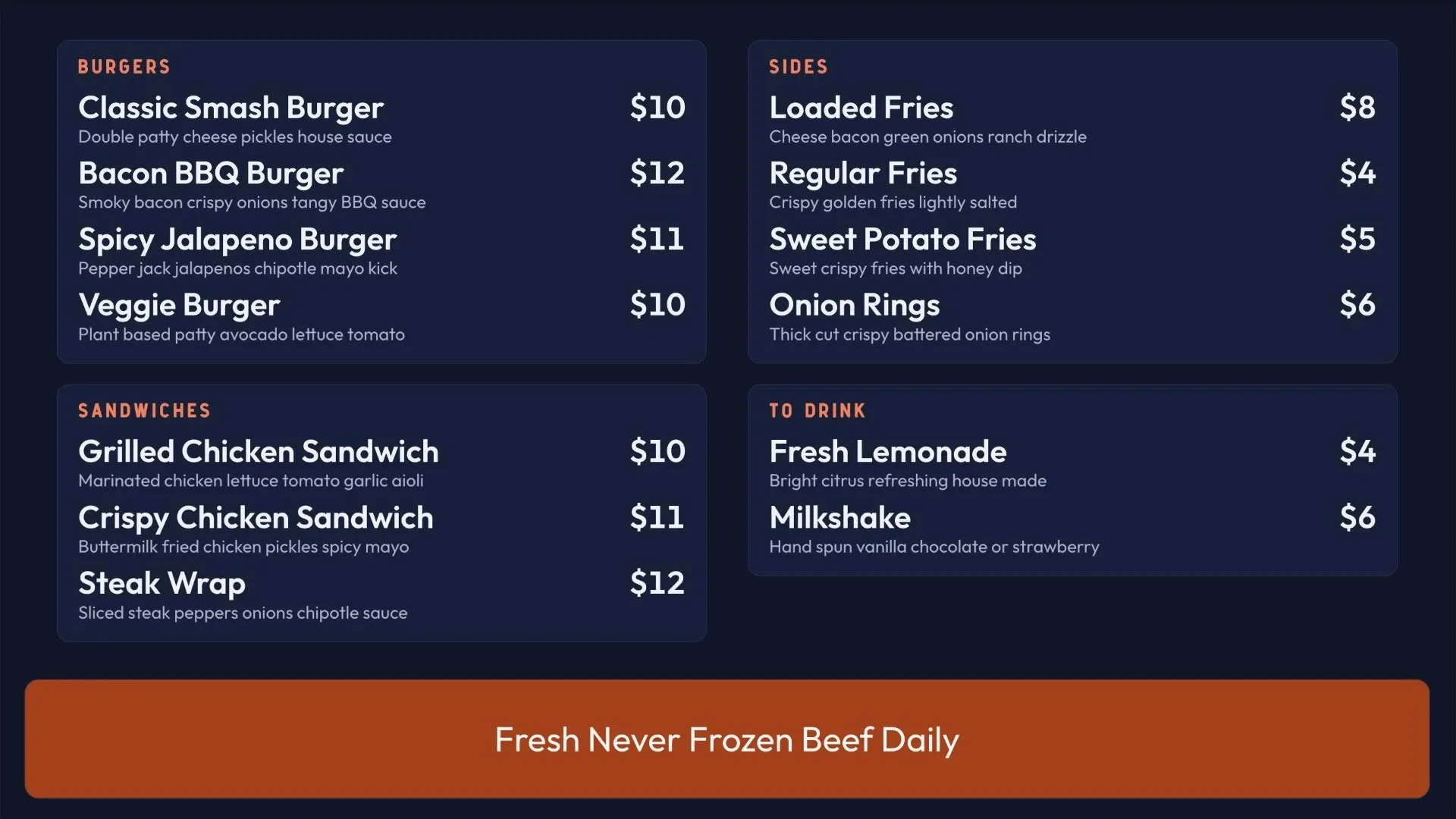
    Names, images, descriptions, sizes, prices, ABV, and IBU. Add food and cocktail categories too.

  • Live in an instant

    Save a change and it shows on your TVs immediately with the Fire TV app.

    Learn more →
  • Scheduled boards

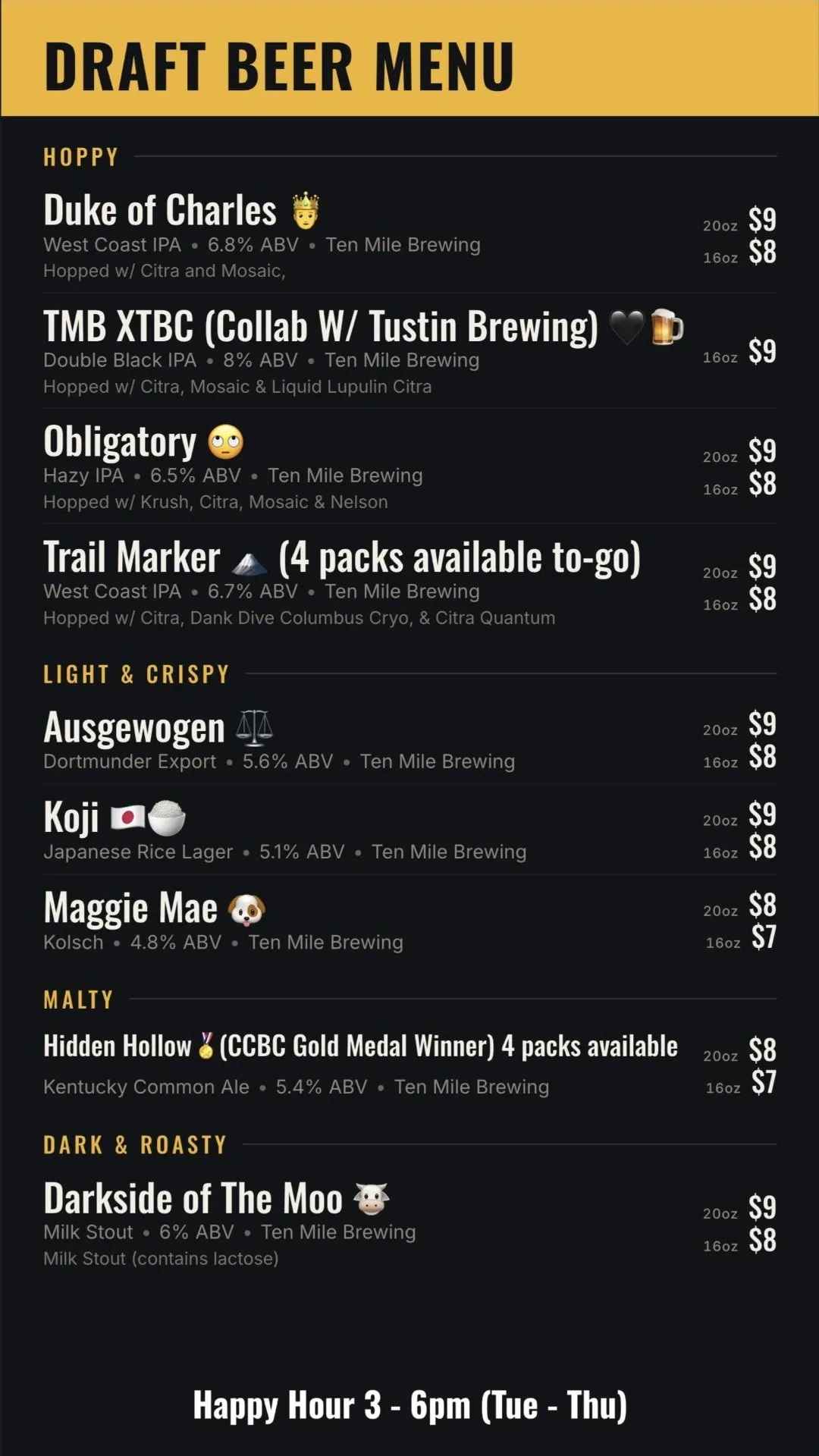
    Rotate boards by time of day or day of week, like happy hour or breakfast, lunch, and dinner.

    Learn more →
  • Zone promos

    Split the screen to show promo images or video on the top, bottom, left, or right while your menu stays visible.

    Learn more →
  • Full-screen and bottom promos

    Schedule promos for events and specials. Full-screen promos never run back to back, so guests get back to the menu fast.

    Learn more →
  • Faded items

    Dim items that are out, with a message like "Fresh out" or "Coming soon."

    Learn more →
  • As many boards as you need

    Create multiple board versions for different screens, rooms, or events.

    Learn more →

What is a Live Tap Lists digital menu board?

A digital menu board is your live tap list shown on the TVs in your taproom or bar. Live Tap Lists builds it from your current menu and your branding, so when you tap a new keg or one kicks, the screens already show it.

How do I get it on my TVs?

Download the Live Tap Lists app on an Amazon Fire TV or Fire TV Stick and enter your TV code from your dashboard. Your board displays and updates live whenever you make changes. You can also open the board in Google Chrome and cast it with Chromecast, or connect a computer by HDMI. See our hardware and screen size recommendations.

How do updates reach the screen?

Update a drink in your dashboard, or let your POS do it for you with a Square, Clover, Toast, Genius, or GoTab integration. Changes go live on every board immediately, and the same update reaches your print, website, and QR menus.

Digital menu boards FAQ

What shows on a Live Tap Lists digital menu board?

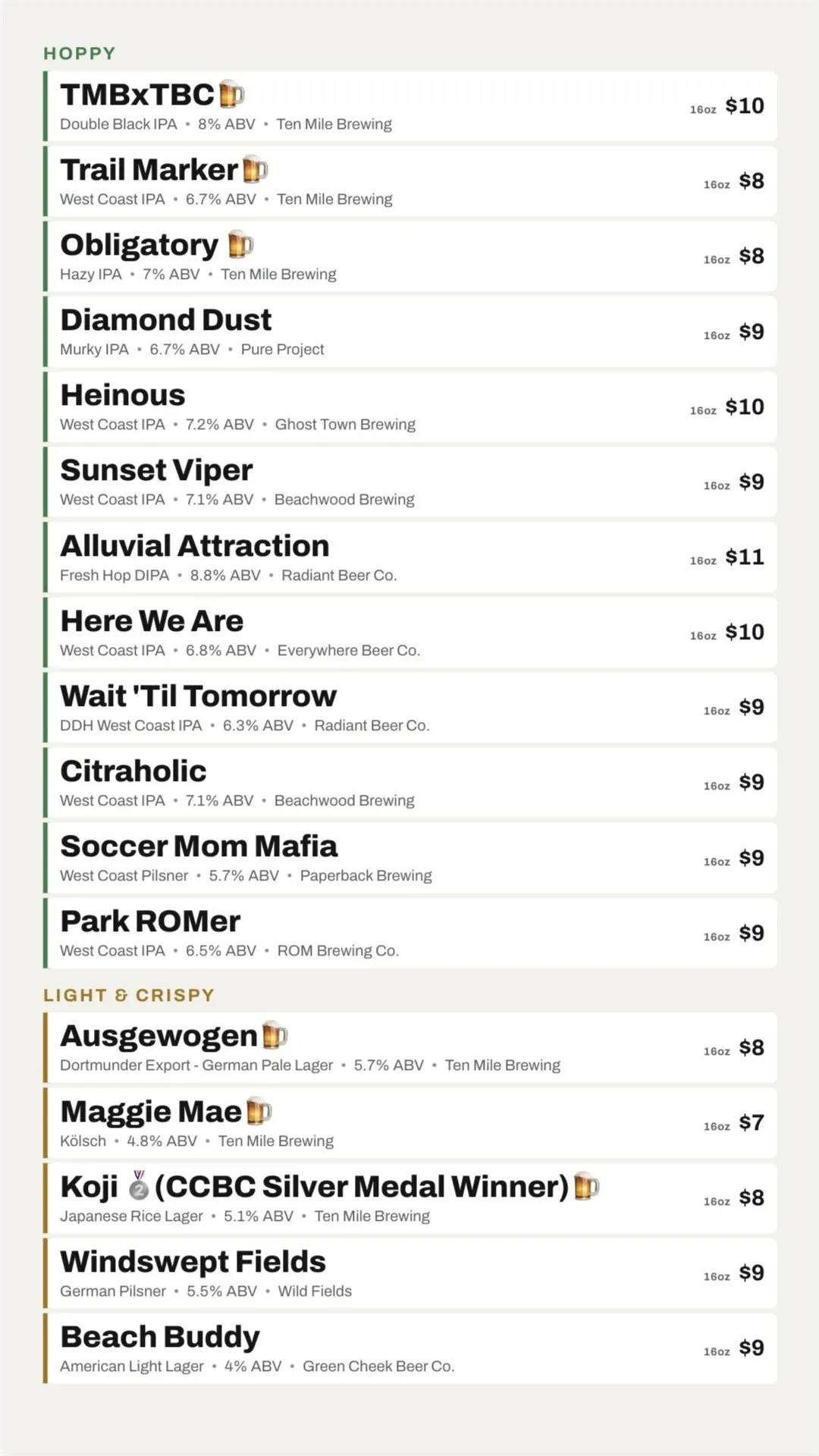
Your item names, images, descriptions, sizes, prices, ABV, and IBU, on your own branded background. You can include food and cocktail categories as well as drinks.

What hardware do I need?

An Amazon Fire TV or Fire TV Stick with the Live Tap Lists app is recommended. You can also cast from a computer with Chromecast or connect a computer by HDMI. For a screen behind the bar, use at least a 50 inch TV.

How fast do changes show up on the TV?

Changes are live on your TVs as soon as you save them. If your POS is connected, synced changes flow through automatically, in about 5 seconds for Square and Clover.

Can I show promotions on my menu board?

Yes. Use zone promos to show images or video beside the menu, bottom promos, and full-screen promos, each with scheduling.

Can I show different menus at different times?

Yes. Scheduled boards rotate your boards automatically by time of day or day of week, such as a happy hour board from 3 to 5 pm.

What happens when a beer runs out?

Mark it faded to dim it on the board with a message like "Fresh out," or set it inactive to remove it. If your POS syncs availability, sold-out items update automatically.

Can I use my brand's fonts?

Yes. Upload your brand fonts once and use them on your TV, print, and website menus.