
Live Tap Lists

QR menus

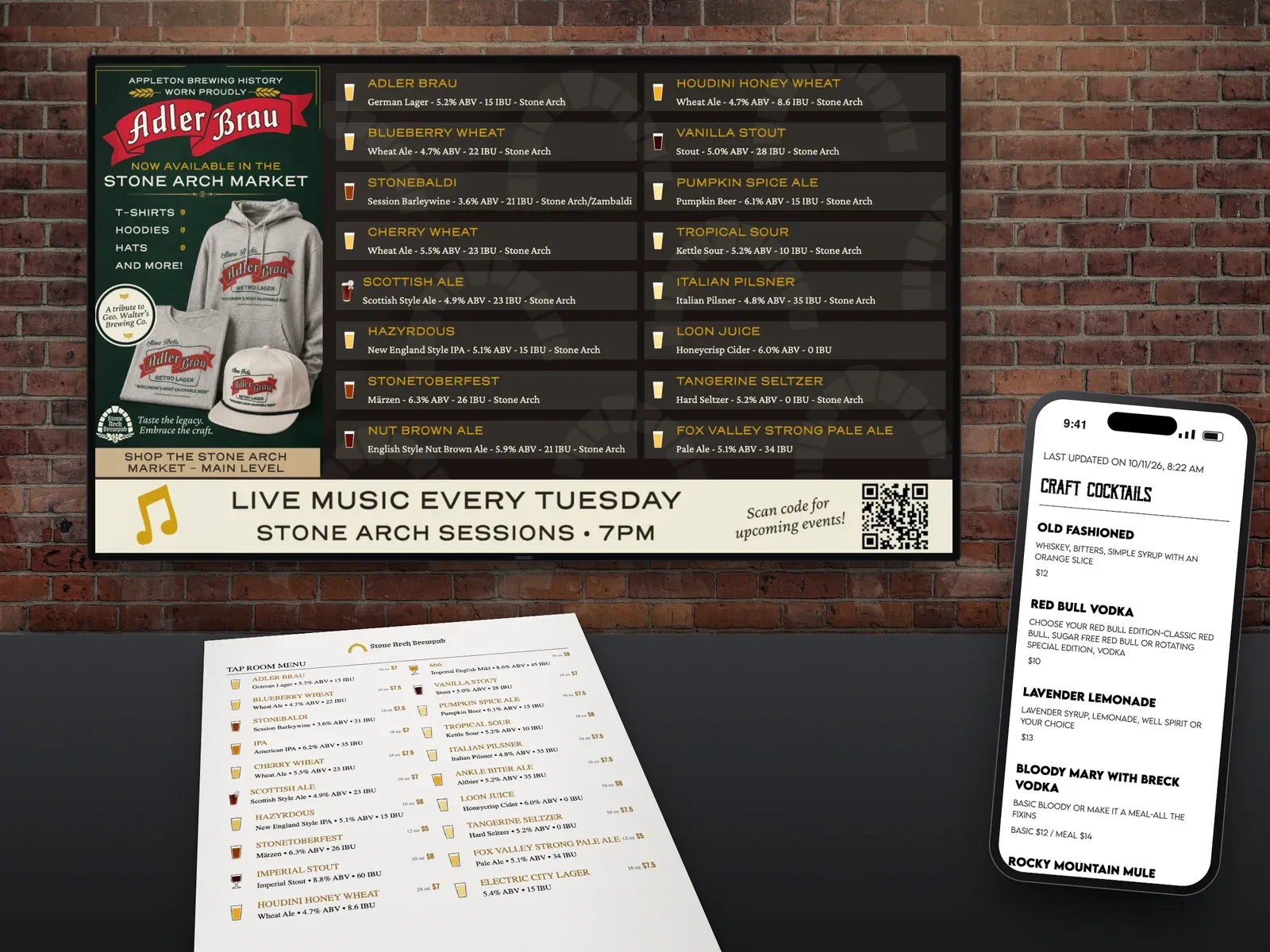
Guests scan a QR code at the table or bar and see your current menu on their own phone. When your menu changes, the QR menu already has it.

Start a free trial Book a demo

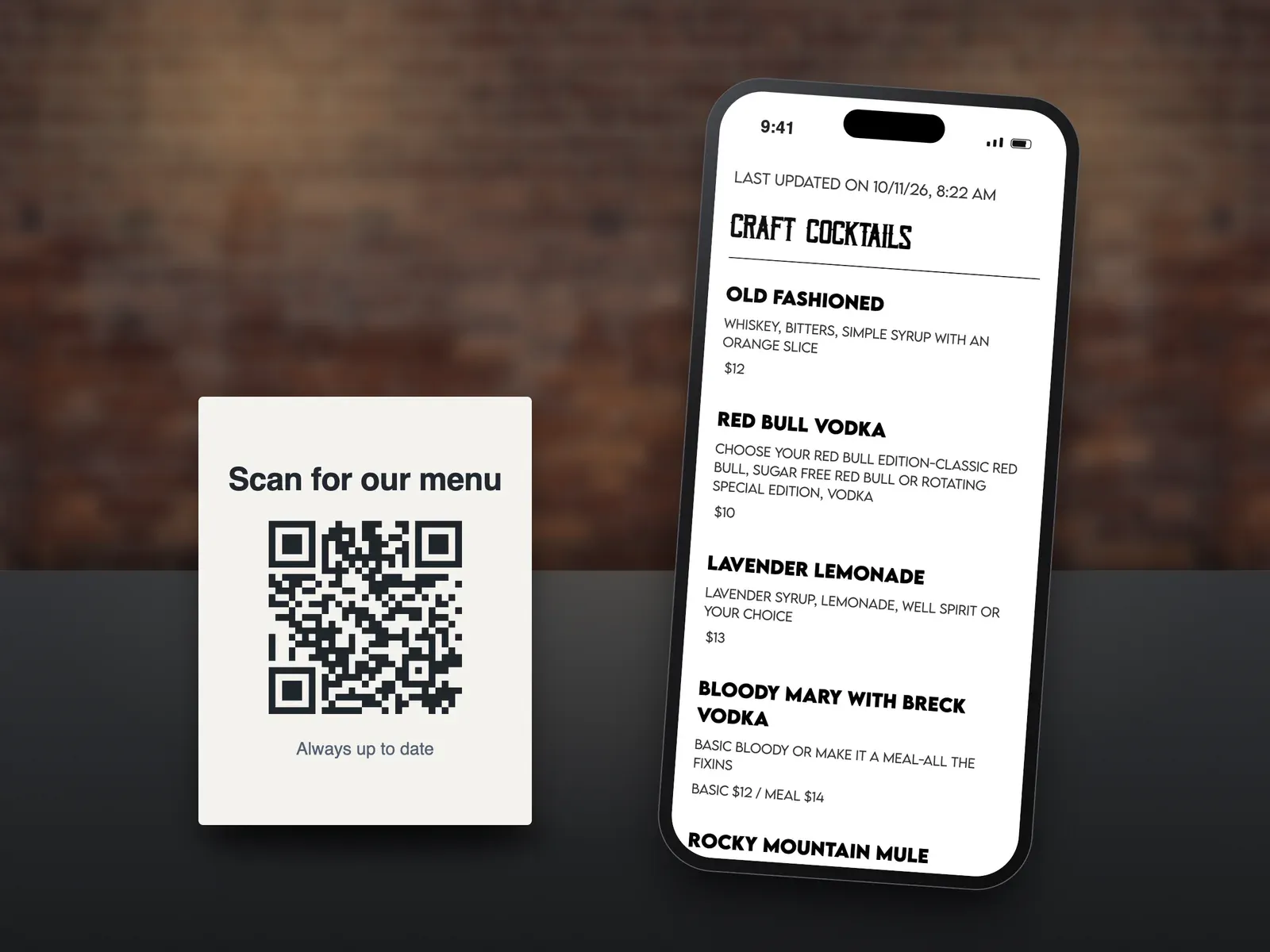
A table card reading Scan for our menu with a QR code, next to a phone showing the live cocktail menu it opens

What you get

  • Always current

    The QR code links to your live menu, so it never goes out of date.

  • Fast-loading

    A lightweight mobile menu that opens quickly on guests' phones.

  • Any screen size

    Displays correctly on all screen sizes, made for a quick mobile scan.

  • Download or print your code

    Get your unique QR code from your dashboard and print it for tables, the bar, or your print menu.

  • No reprinting

    Perfect when you are too busy to reprint menus after every change.

What is a Live Tap Lists QR menu?

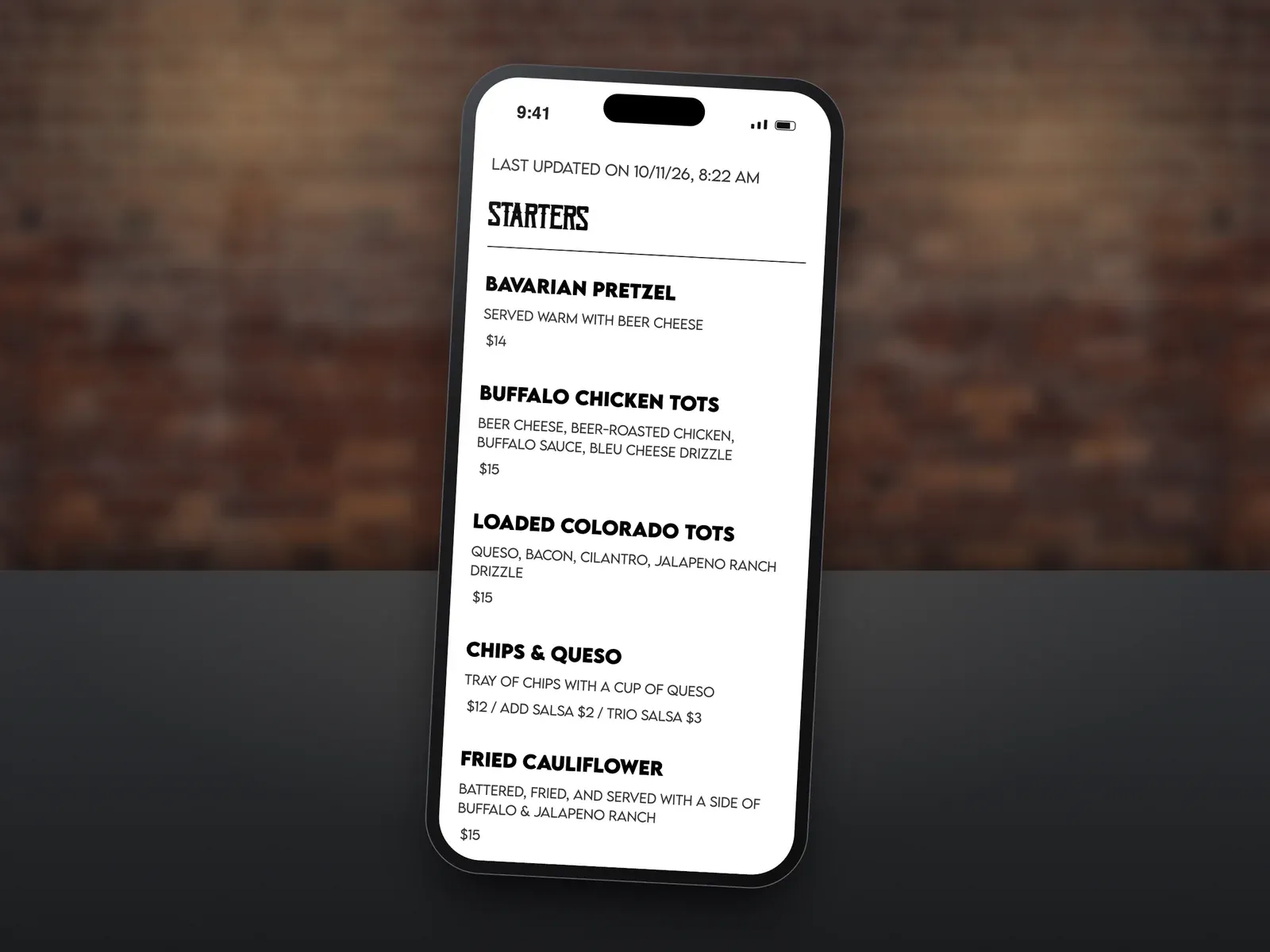
A QR menu is a mobile version of your current menu that guests open by scanning a QR code. It loads quickly, fits any screen, and always shows what is on tap right now.

How do I set it up?

Open the QR Code page in your dashboard to download or print your unique QR code, then place it on tables, at the bar, or on your print menu. See a live sample QR menu.

How does it stay current?

The QR code is a link to your live menu, so the code never changes and the menu behind it always does. Update your menu in Live Tap Lists, or let your POS integration do it, and the QR menu follows.

QR menus FAQ

How does a Live Tap Lists QR menu work?

Your QR code links to your live menu. Guests scan it with their phone camera and your current menu opens on their phone.

Do I need a new QR code when my menu changes?

No. The QR code stays the same and the menu behind it updates whenever you change your menu or your POS syncs a change.

Do guests need to download an app?

No. Scanning the QR code opens your menu on their phone.

How do I get my QR code?

Open the QR Code page in your Live Tap Lists dashboard to download or print your unique code.

Will the menu look right on every phone?

Yes. The QR menu displays correctly on all screen sizes.