
Book a demo
See Live Tap Lists with your own menu
A 30-minute walkthrough with the team that builds Live Tap Lists. Bring your POS questions, your screens, and your menu.
What we’ll cover
Your POS, connected
How items, prices, and availability sync from Square, Clover, Toast, Genius, or GoTab, and what to do if you don’t use a POS.
A board built for your venue
Colors, fonts, backgrounds, and layouts, so your TVs look like your brand.
Promos that run themselves
Full-screen and zone promos, and scheduled boards for happy hour, brunch, or game day.
Every other menu
Print menus, your website menu, and QR menus, all from the same list.
Your questions
Screens and hardware, pricing for your locations, and how to get set up.
Not ready to talk yet?
Watch the 8-minute product demo to see Live Tap Lists in action.
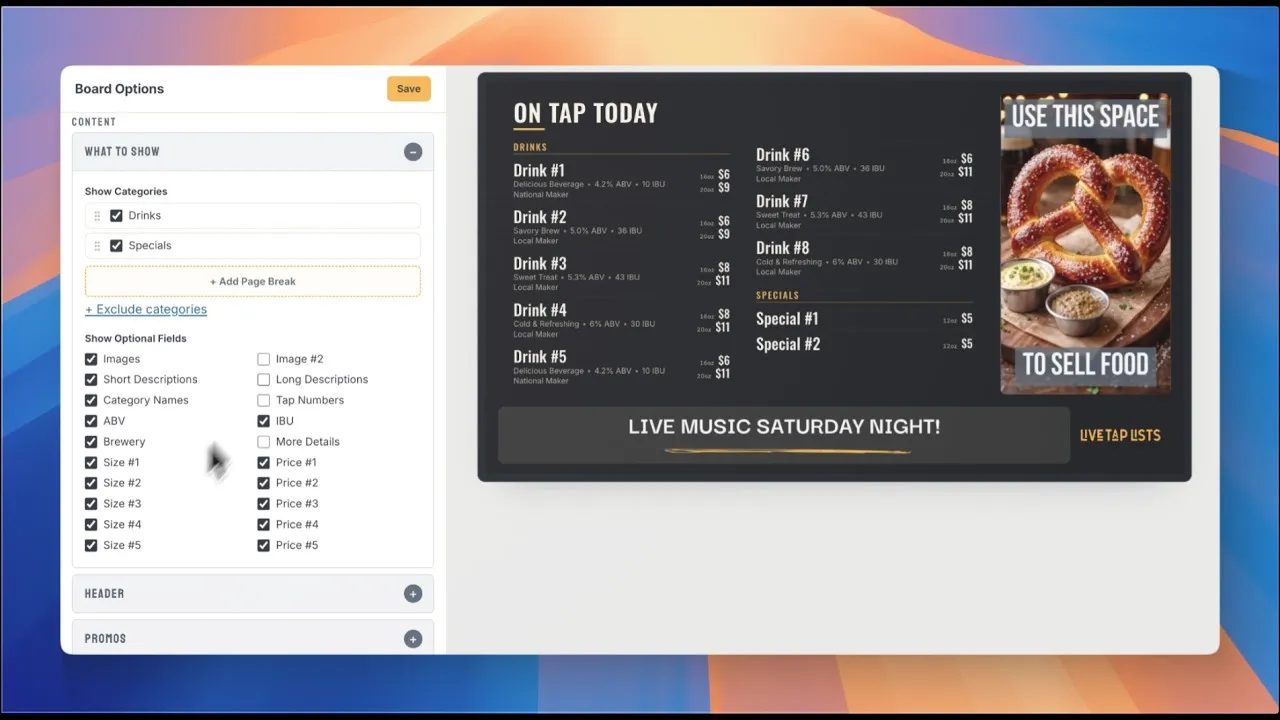 Play video: Live Tap Lists Demo | Digital Menus for Breweries, Bars & Restaurants (opens in a new tab)
Demo FAQ
How long is the demo?
The demo is a 30-minute meeting. Pick any open time that works for you.
Does the demo cost anything?
No. The demo is free, and there is no obligation to buy.
Do I need to prepare anything?
No. It helps to know which POS you use and how many TVs and locations you have, so we can show you the parts that matter for your venue.
Can I try Live Tap Lists myself instead?
Yes. Every plan starts with a two-week free trial, and you can connect your POS or import a spreadsheet to get going.