
Live Tap Lists

Website menus

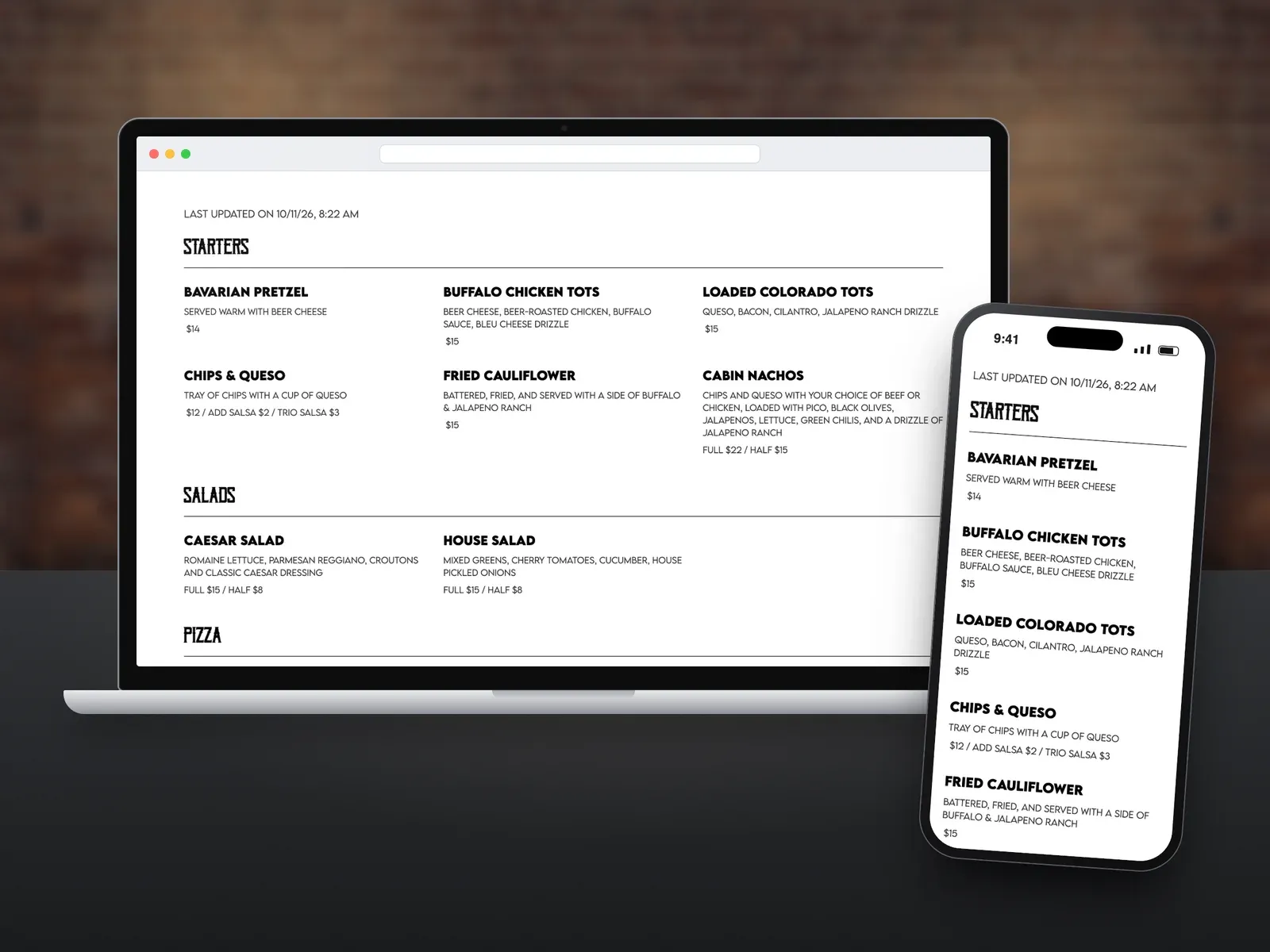
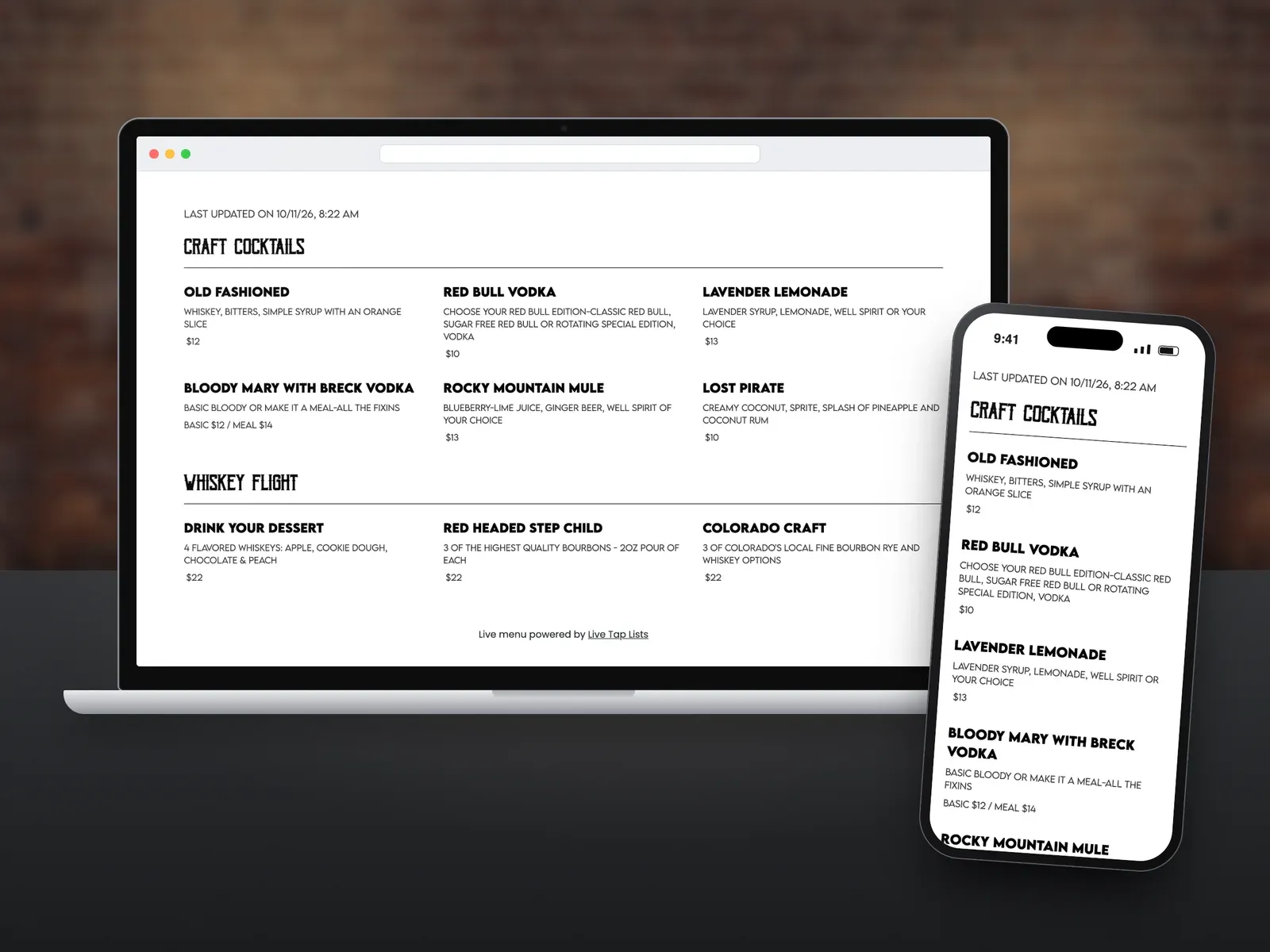
Add your Live Tap Lists menu to your website with a short embed code. It matches your site, updates in real time, and tells guests exactly when it was last updated.

Start a free trial Book a demo

A Live Tap Lists website menu of starters and salads on a laptop, with the same menu on a phone beside it

What you get

  • Updates in real time

    Change your menu and your website shows it immediately. No web designer needed.

  • Matches your site

    The menu adapts to your website's style. Customize fonts and colors, including your brand fonts.

    Learn more →
  • Last updated timestamp

    Guests see when the menu was last updated, so they know their favorite is on.

  • Works on any website

    Add the code snippet to WordPress, Squarespace, Weebly, Wix, or any other platform.

    Learn more →
  • Choose what shows

    Pick which categories and details appear, and preview as you make changes.

  • Help when you need it

    Send the code to your developer, or ask us and we will help you install it.

    Learn more →

What is a Live Tap Lists website menu?

A website menu is your live tap list embedded on your own website. Guests can check what is on tap any time, and a “last updated” timestamp shows them it is current.

How do I add it to my website?

Copy your embed code from the Web page in your Live Tap Lists dashboard and paste it where you want the menu to show. On Squarespace, that is a Code block; see how to add a web menu to a Squarespace site. See a live sample website menu.

How does it stay up to date?

Your website menu reads your current Live Tap Lists menu, so it changes the moment you do. Connect your POS and it updates from your POS automatically.

Website menus FAQ

Which website platforms work with Live Tap Lists?

Any of them. Add the embed code where you want the menu to appear. It works with WordPress, Squarespace, Weebly, Wix, and other web platforms.

Does my website menu update automatically?

Yes. Your website menu updates in real time when you change your menu in Live Tap Lists or when your POS syncs a change.

Will the menu match my website?

Yes. The menu adapts to your site's style, and you can set fonts and colors, including your brand fonts.

Can I choose which items appear?

Yes. Choose which categories and details to show, and preview your website menu as you make changes.

Do I need a web developer to install it?

No. Copy the embed code from your dashboard and paste it into a code block on your site. If you need help, contact grant@livetaplists.com and we will help you install it.