
Live Tap Lists

Print menus

Kick a keg and your printed menu is out of date. Live Tap Lists formats a fresh, branded print menu from your current list on Letter, Legal, or A4 paper, or as half-sheets, so reprinting takes a click.

Start a free trial Book a demo

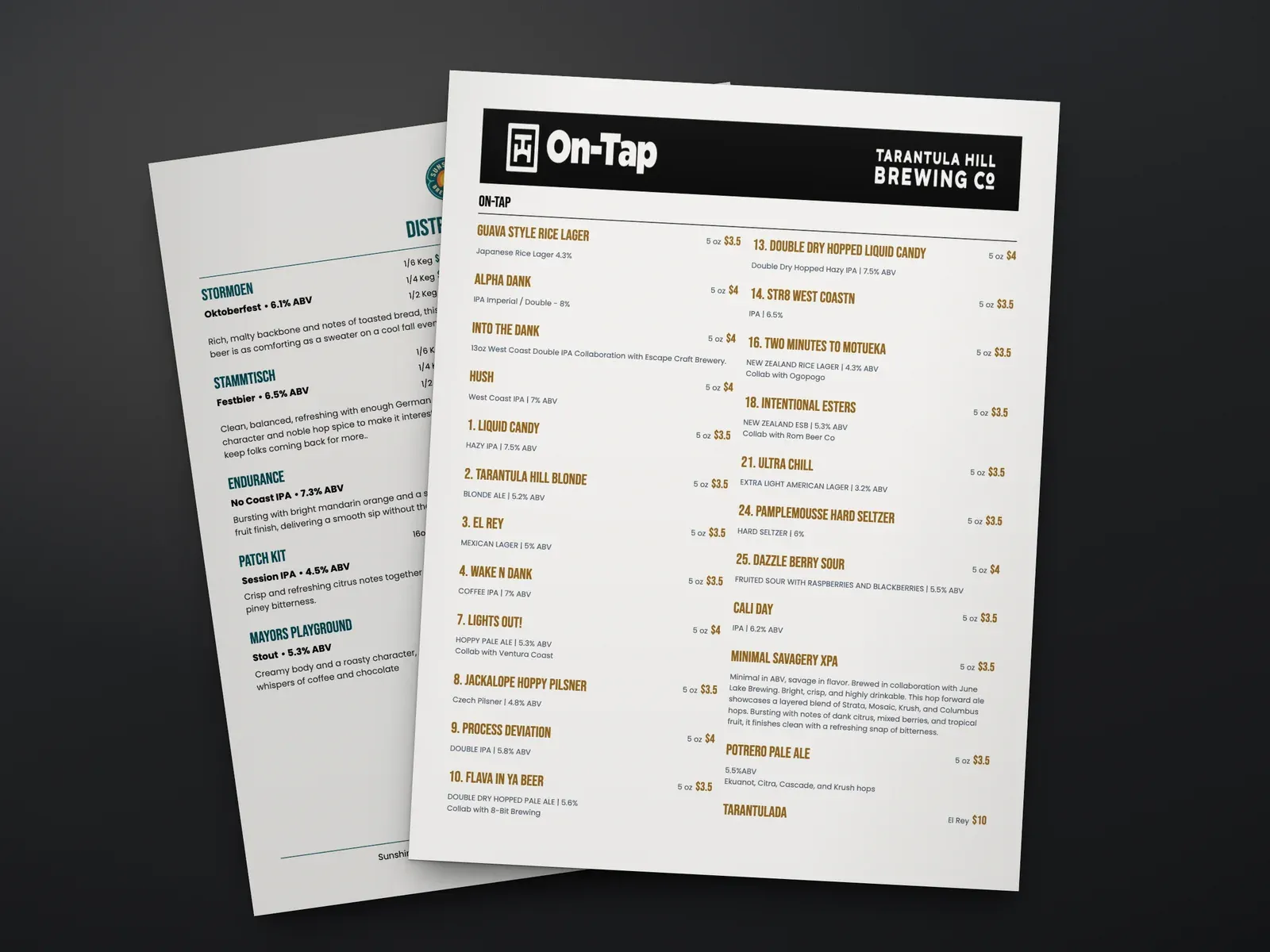
A printed Tarantula Hill Brewing on-tap menu in two columns with sizes and prices, lying on a dark table over a second printed menu

What you get

  • Letter, Legal, A4, or half-sheets

    Pick the page size that fits your table tents, menu holders, or printer, and the layout adjusts to the page.

  • Formatted automatically

    Your print menu is built from your current menu data every time, with no redesign.

  • Your brand

    Set your colors, fonts, and logo, including your own custom brand fonts.

    Learn more →
  • Choose what shows

    Pick the fields and categories that appear on the page and preview as you go.

  • Fit to 1 page

    Choose how many pages you want and Live Tap Lists adjusts the sizing to fit.

    Learn more →
  • Half-page menus

    Print two single-column menus on one sheet, then cut it in half.

    Learn more →
  • Branding on every page

    Repeat your logo, header, and footer on every page of a multi-page menu.

    Learn more →
  • Watermark backgrounds

    Add an image behind your menu items for subtle branding.

    Learn more →
  • Vertical column layout

    Arrange items in vertical columns when you have a lot to fit.

    Learn more →

What is a Live Tap Lists print menu?

A print menu is a branded, printable version of your current tap list. Live Tap Lists formats it from your menu data on the page size you choose (Letter, Legal, A4, or half-sheets), so the printed page always matches what is on tap.

How does it stay current?

There is nothing to keep in sync. When you change your menu, in your dashboard or through your POS integration, the next print reflects it. Update your colors, fonts, logo, and the fields you want once, and every print uses them.

What’s new in printing

In August 2026 we added five print features: watermark backgrounds, a vertical column layout, logo, header, and footer on every page, half-page menus, and “Fit to 1 Page.” Read about the new print features.

Print menus FAQ

What paper size do Live Tap Lists print menus use?

Your choice of Letter (8.5 x 11 inches), Legal (8.5 x 14 inches), or A4. You can also print half-sheets: two single-column menus on one page, cut in half.

Do I have to redesign my menu every time it changes?

No. Your print menu is formatted automatically from your current menu, so printing an up-to-date copy takes a click.

Can I fit my whole menu on one page?

Yes. Choose "Fit to 1 Page," or the number of pages you want, and Live Tap Lists adjusts the sizing to fit.

Can I add my logo and brand colors?

Yes. Set your logo, colors, and fonts, add a watermark image behind your items, and repeat your logo, header, and footer on every page.

Which details can I show on the printed menu?

You choose the fields that appear, such as names, descriptions, sizes, prices, ABV, and IBU, and preview the page as you make changes.