
Blog
How-tos
Step-by-step guides for setting up and using Live Tap Lists.
 Blog
BlogHow to Create Toast API Credentials for Live Tap Lists
Step-by-step: check your Toast plan and permissions, create Standard API access credentials in Toast Web, and connect them to Live Tap Lists.
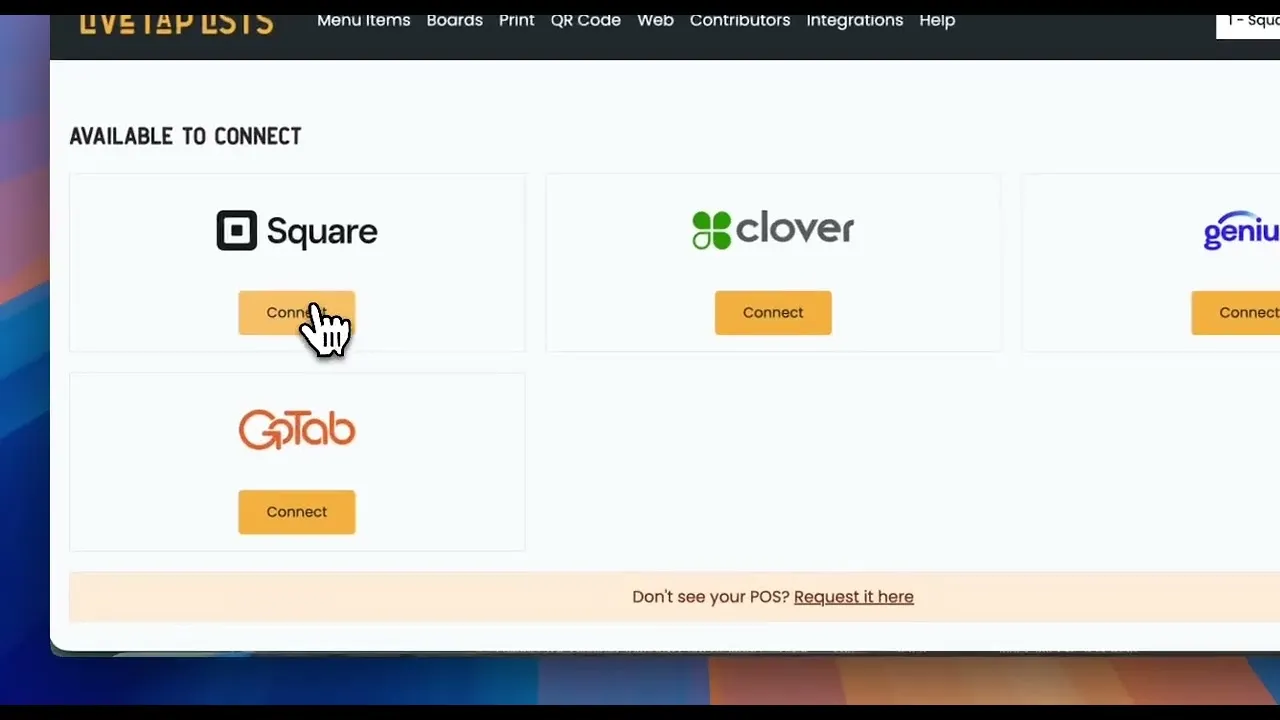
How to Sync Custom Square Fields with Live Tap Lists
How to use Square custom item fields to control how your tap list data syncs to your Live Tap Lists TV, print, website, and QR menus.
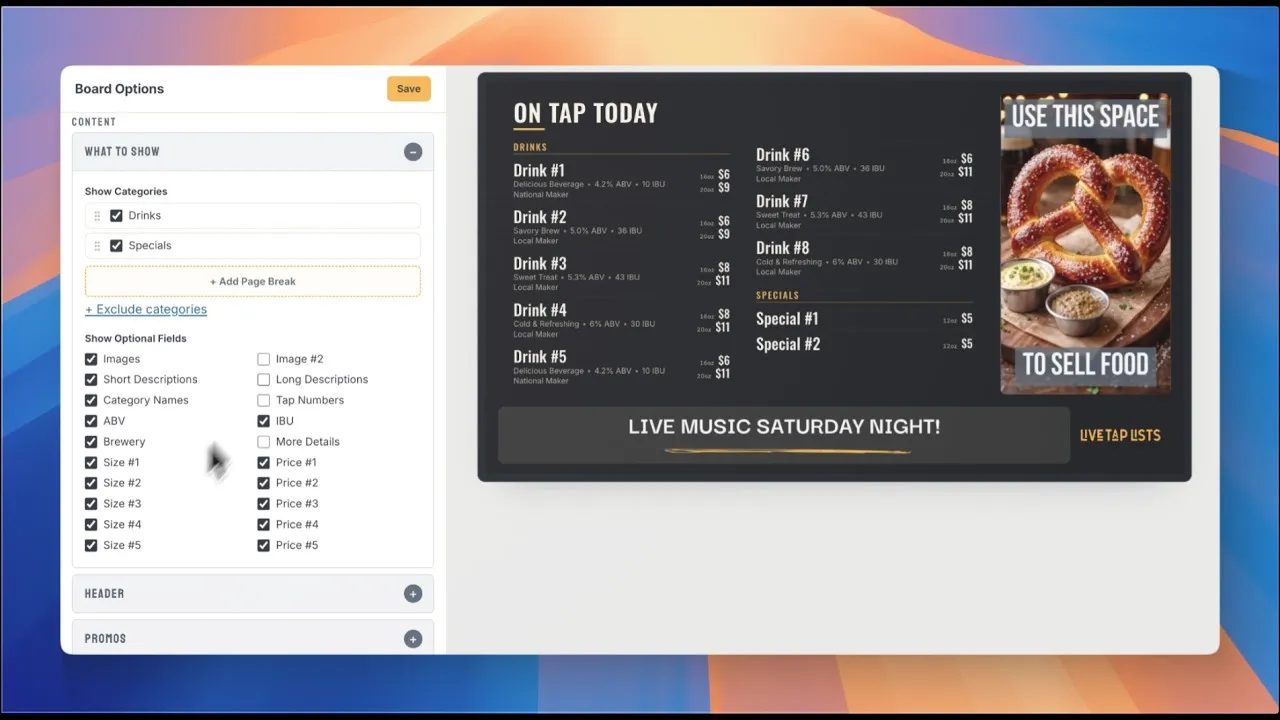
Product Demo
Watch the 8-minute product demo to see the Live Tap Lists platform in action
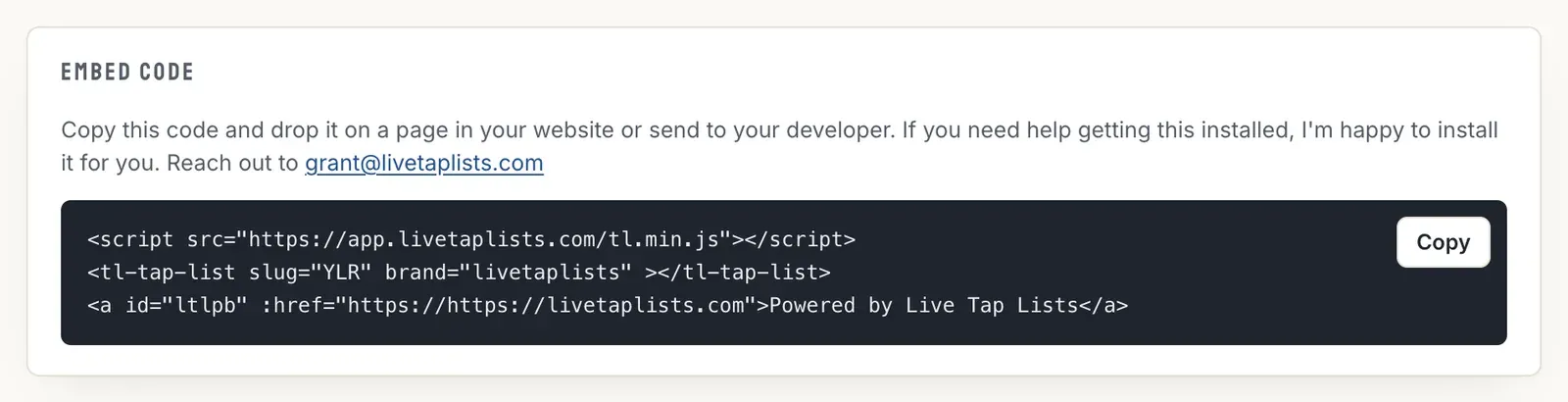
How to Add A Web Menu To A Squarespace Site
How to add your Live Tap Lists website menu to a Squarespace site with a code block, so your beer list on the web is always current.
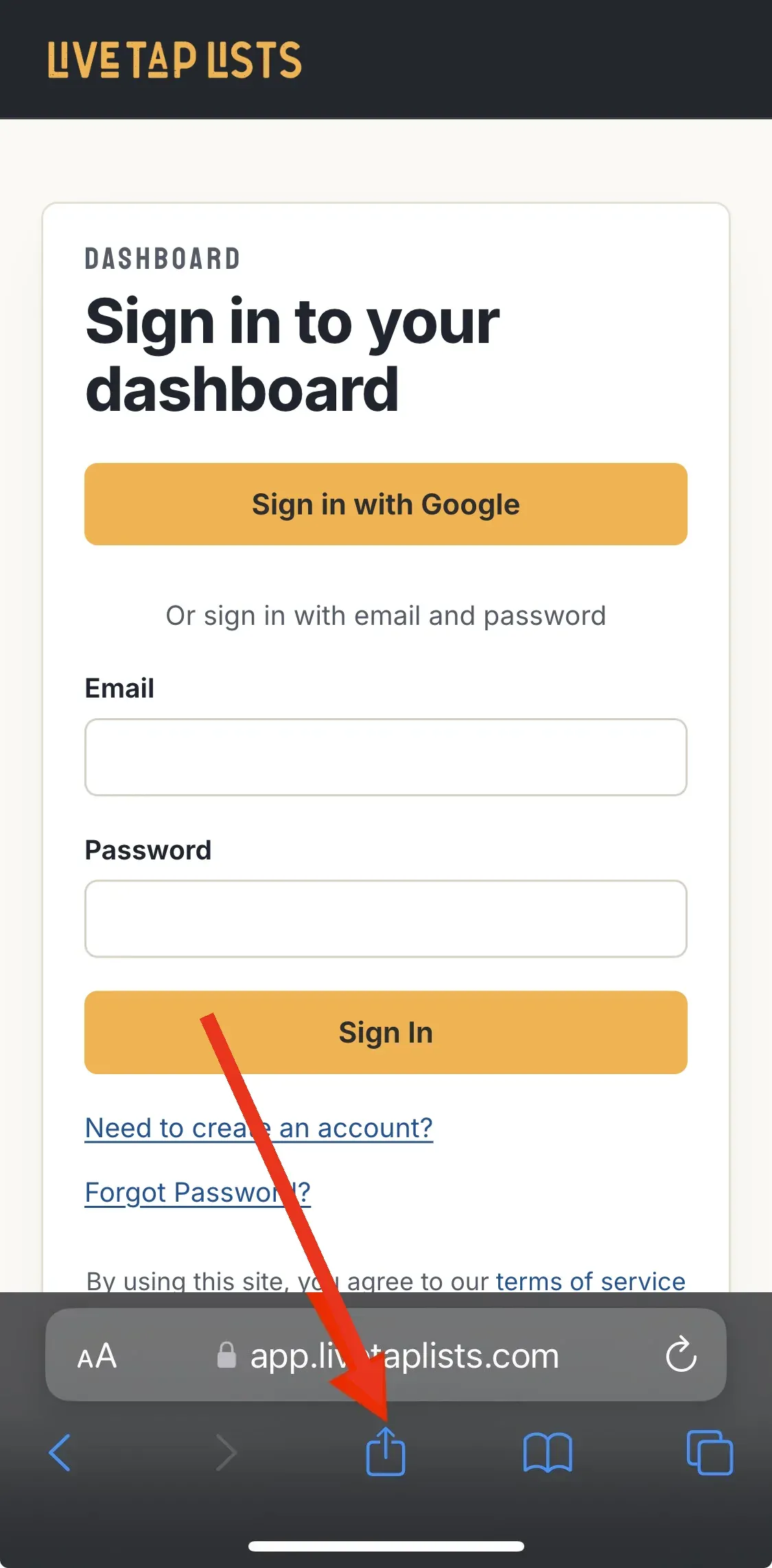
How to add Live Tap Lists Shortcut to your Phone Or Tablet
Add Live Tap Lists to your phone or tablet home screen to update your menus from anywhere. Steps for Safari on iOS and Chrome on Android.
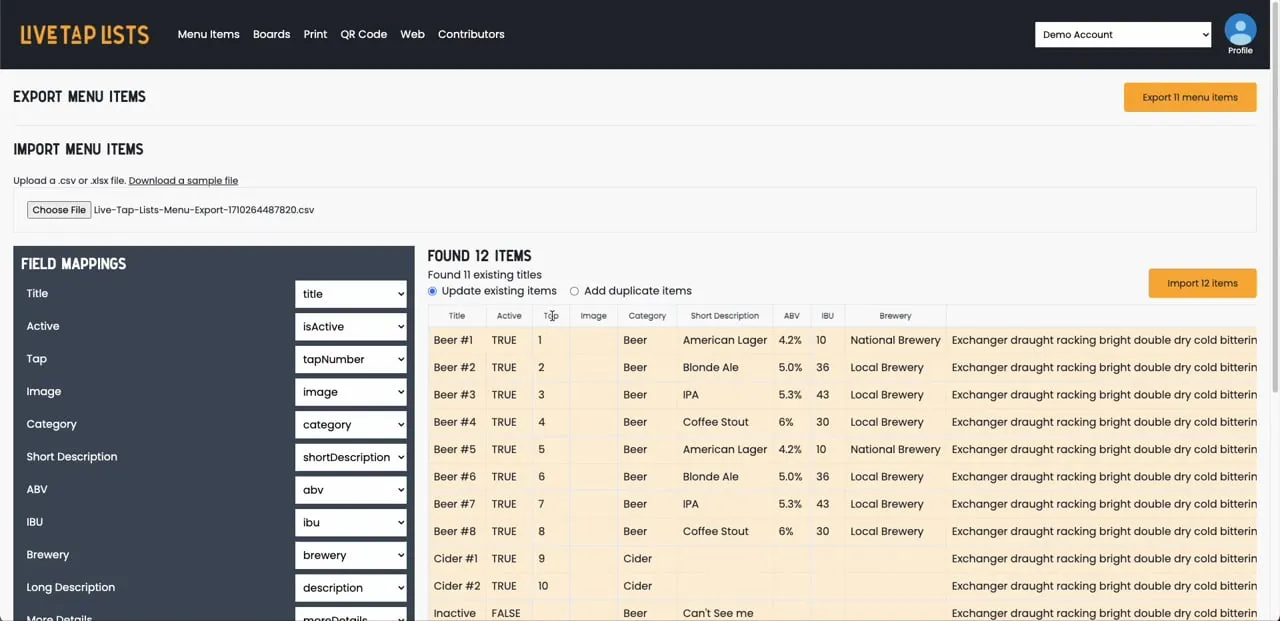
Import menus from a spreadsheet
How to import menu items into Live Tap Lists from a spreadsheet, export them for bulk edits, and re-import them.
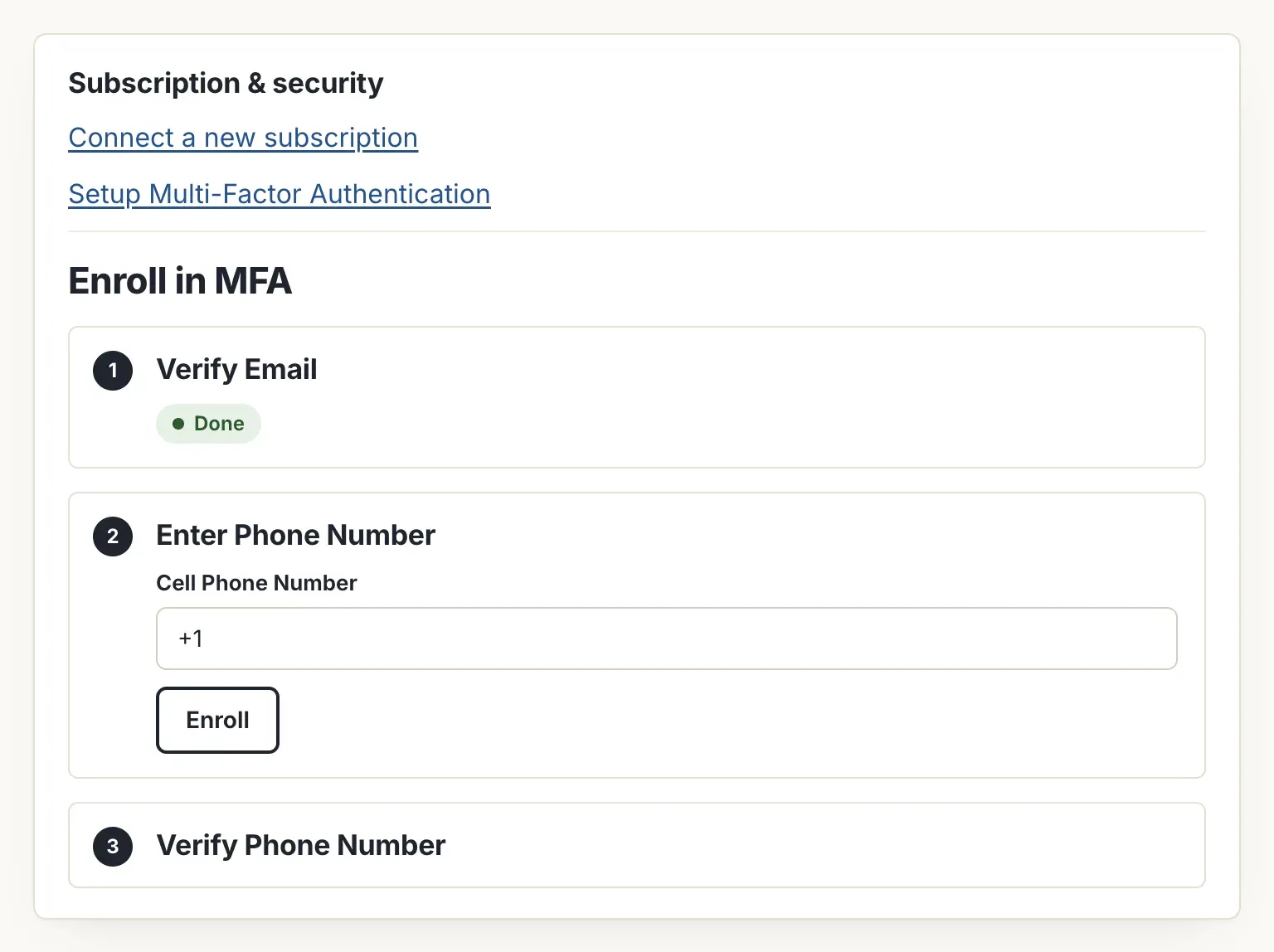
How to Enroll in Multi-factor Authentication
How to turn on multi-factor authentication for your Live Tap Lists account. It works with both Google login and email and password.

Feature Highlight: Scheduled Promos
Schedule bottom and full-screen promos on your Live Tap Lists digital menu board with a start and end time, so specials and events run on their own.
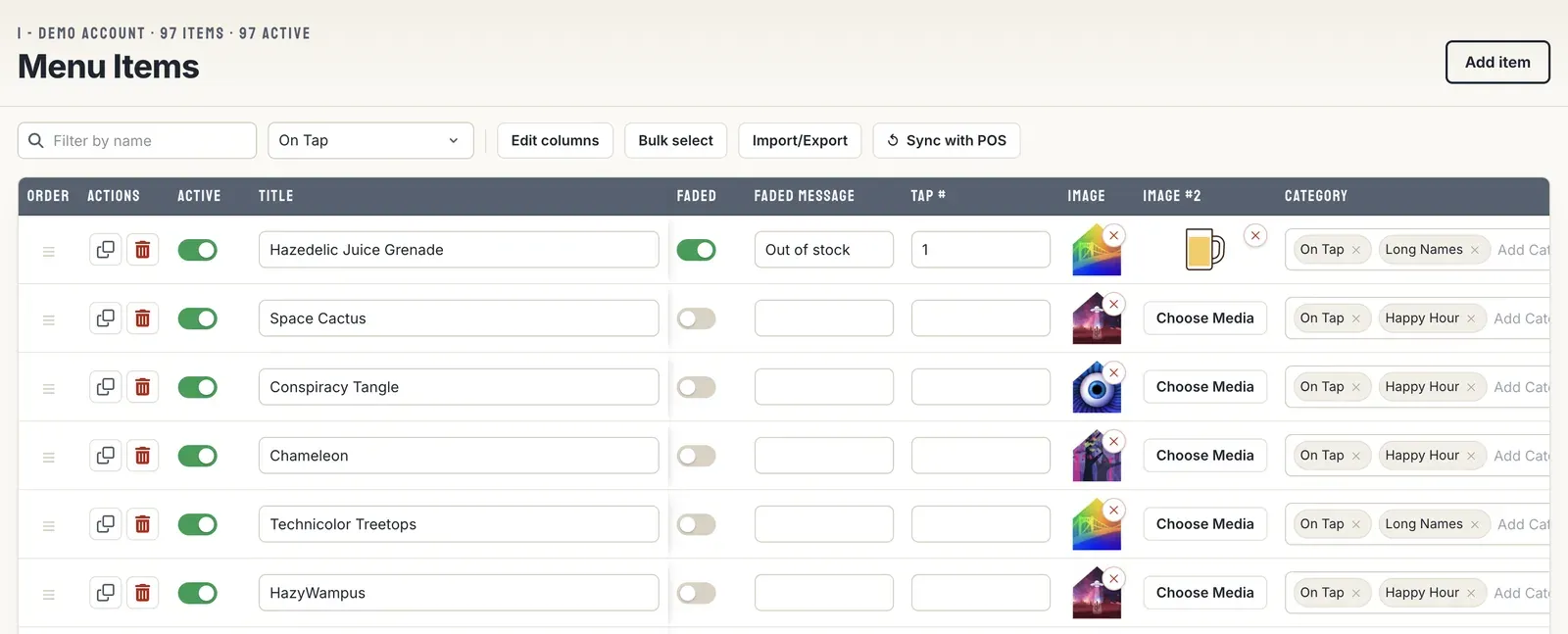
Unlimited, Flexible Beer Menus
Create as many menu versions as you need in Live Tap Lists, like separate boards for each side of the bar, a to-go board, and a drinks-only print menu.

How to manage Employees and contributors
How to invite employees and contributors to update your Live Tap Lists menus with a one-time invitation link.
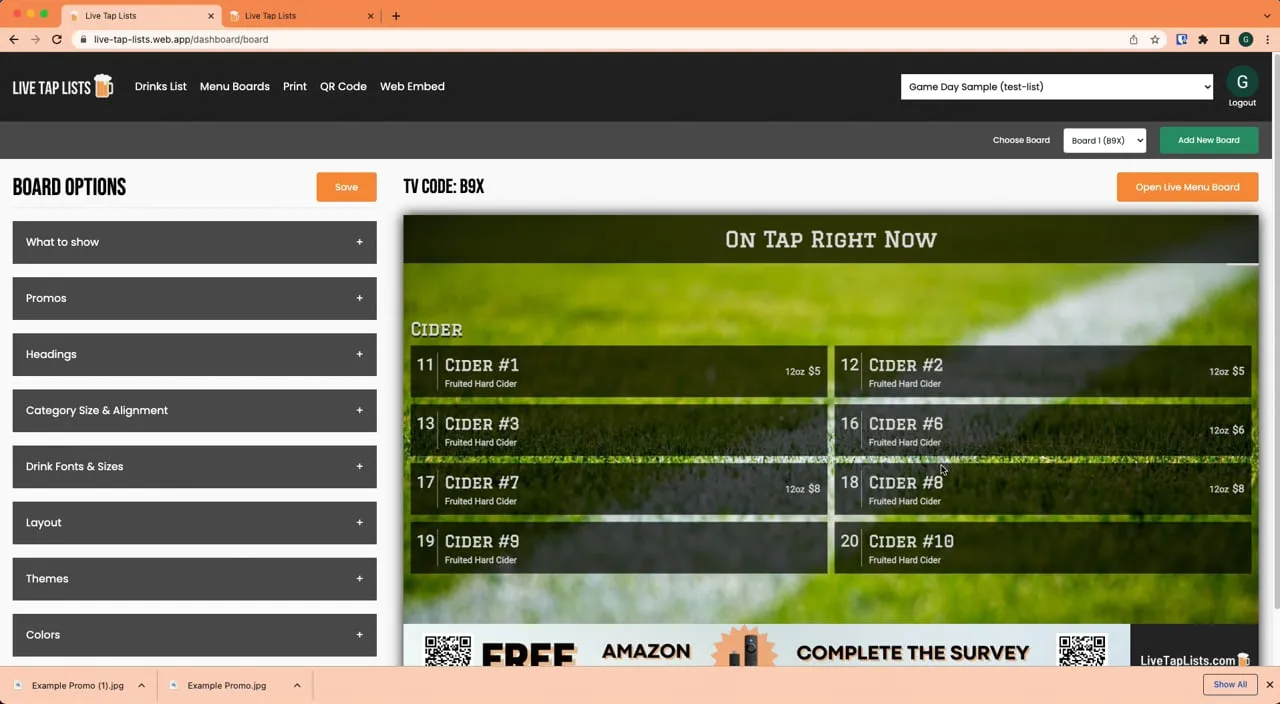
Feature highlight: Full Screen Promos
Upload full-screen promo images to your Live Tap Lists digital menu board to catch customers' eyes and tell them about upcoming events and specials.
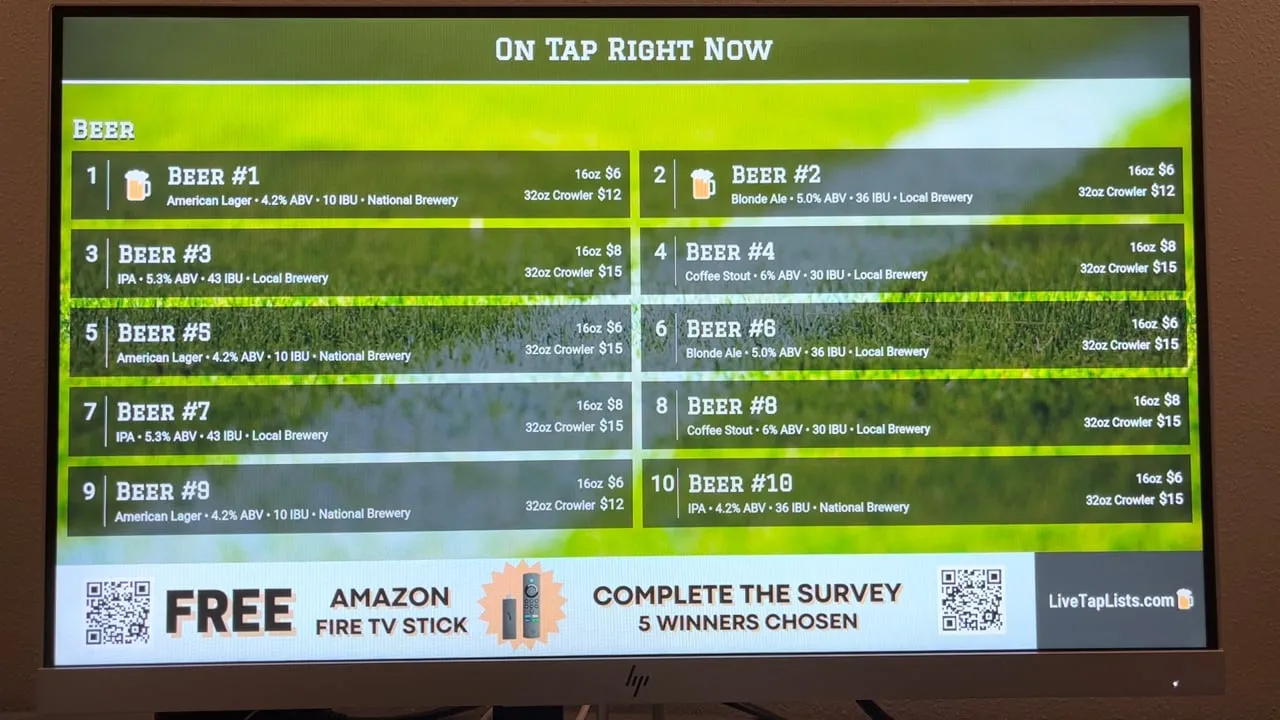
How To Display Digital Menu Board
How to show your Live Tap Lists digital menu board on a TV with an Amazon Fire TV Stick: install the app and enter your TV code.